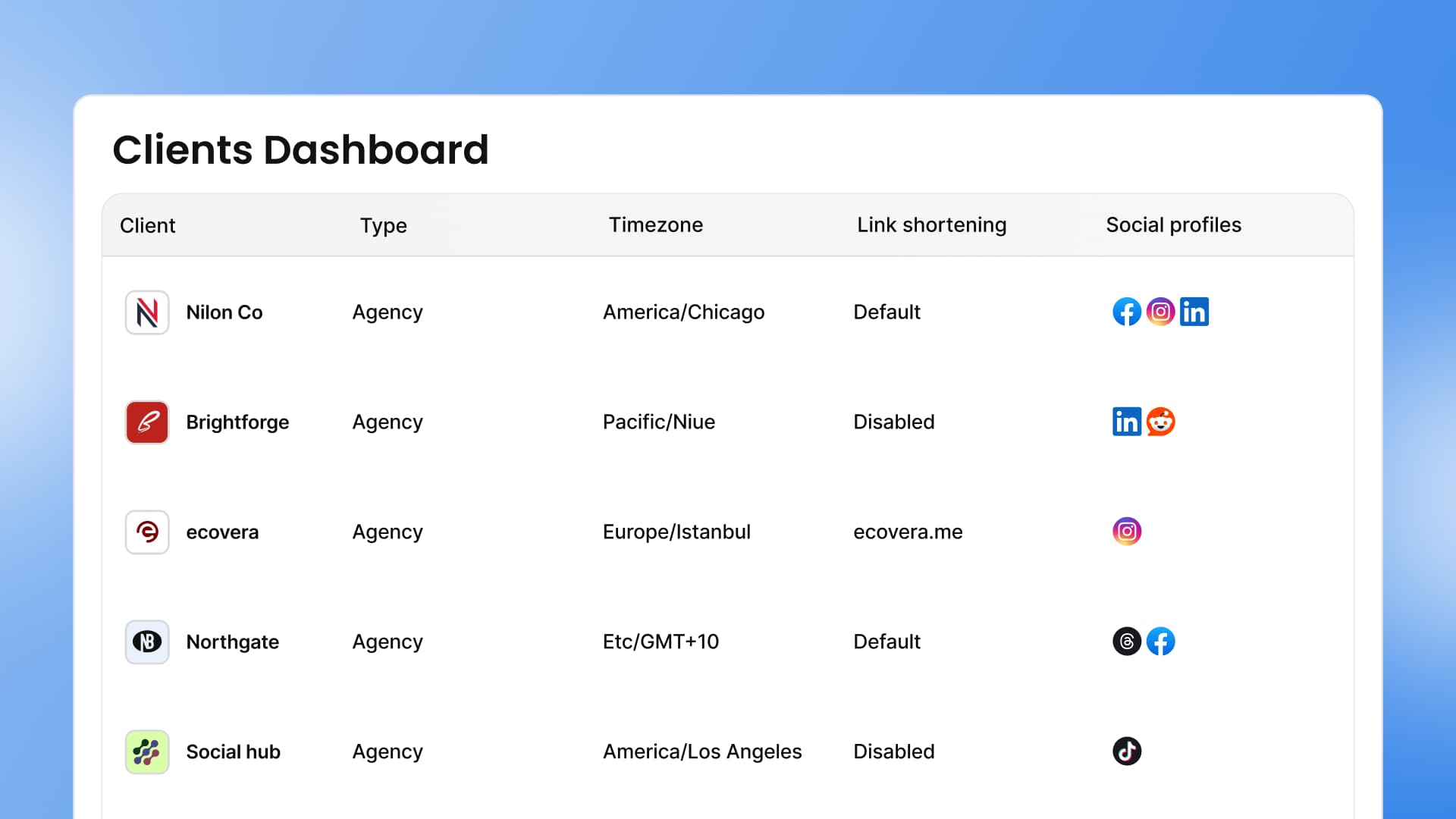
Managing one social media client is tricky enough. Managing five, ten…twenty? That can turn into chaos real fast if you don’t have the right systems in place.
Between juggling brand voices, tracking content approvals, and pulling monthly reports, things slip through the cracks. And when they do, client trust takes a hit. And having clients stick around longterm means you don’t have to do quite as much outreach and sales. So keeping your clients organized isn’t just about staying sane. It directly affects your bottom line.
The good news is that you don’t need to reinvent the wheel. With a few smart systems and the right tools, you can keep every client’s details, content, and communication running smoothly.
Whether you’re a solo freelancer or running a growing agency, these 10 practical hacks will help you manage social media for multiple clients—without losing your mind.
1. Create a solid onboarding process
First impressions matter, and your onboarding process sets the tone for the entire client relationship. A messy start leads does not set the stage for streamlined client management down the road. A smooth onboarding process builds trust from day one.
Start by building a repeatable onboarding checklist. This should include things like:
- Collecting login credentials
- Getting access to (or creating) brand guidelines
- Setting communication expectations
- Covering monthly/quarterly deliverables
When each new client goes through the same clear steps, nothing falls through the cracks.
Even better, automate as much of the process as you can.
For example, you can use CRM tools like HoneyBook to trigger onboarding tasks the moment a client signs their contract. From there, tools like Zapier can connect HoneyBook to Vista Social so a new profile group is created automatically. A welcome email with the profile connection link goes out without you lifting a finger.
This kind of automation saves hours of setup time per client. It also makes your agency look polished and professional right from the start, which goes a long way in building a lasting client onboarding experience.
2. Centralize all client information in one place
When client details live in scattered spreadsheets, email threads, and random Google Docs, you waste time just hunting down what you need. And that disorganization can cost you the relationship.
A joint study from the ANA and 4As found that client-agency tenure has doubled since 2016, now averaging about seven years. Agencies that invest in organized systems are the ones holding onto clients that long. The best approach is to keep everything tied to one central hub.
In Vista Social, you can create profile groups for each client. A profile group bundles all of a client’s social media accounts together in one place.
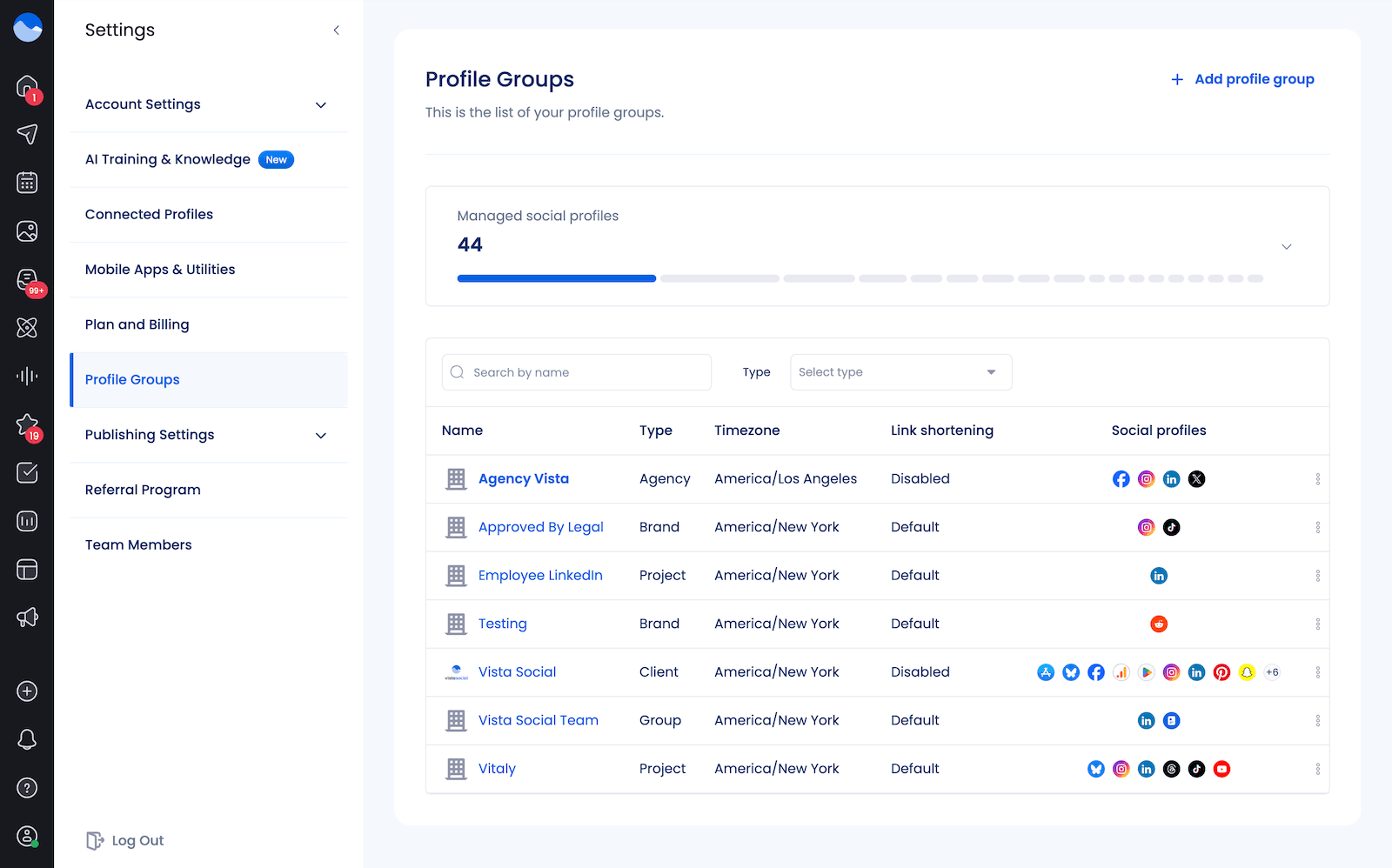
This means your team can switch between clients without digging through unrelated profiles. Every post, report, and conversation stays neatly organized under the right client.
This setup also helps prevent costly mistakes like posting the wrong content to the wrong account. When each client has their own clearly labeled workspace, your team always knows where they are and what they’re working on. It also makes onboarding new team members easier because they can see exactly how things are organized from the start.
3. Establish reusable templates and SOPs
If your team is starting from scratch every single time they write a caption, build a report, or handle any client request, they’re wasting time that could easily be saved with a standard process. You need to create templates and standard operating procedures (SOPs) that give your account managers a starting point.
Create templates for the tasks you repeat most often. Think:
- Content briefs
- Caption formats
- Monthly report layouts
- Client onboarding checklists
- DM automations
Once you build them, your team can grab a template, customize it for the client, and move on quickly.
SOPs take this a step further. They document exactly how your team should handle each process step by step. For example, your content approval SOP might spell out who drafts the post, who reviews it, who sends it for client approval, and what happens if changes are needed. When everyone follows the same playbook, quality stays consistent across all your accounts.
4. Build out a client communication schedule
Poor communication is one of the fastest ways to lose a client. But when you’re juggling multiple accounts, it’s easy to let check-ins and updates fall off your radar. That’s why having a set communication schedule for each client matters.
Map out what each client should expect and when. Maybe that’s a weekly email update, a bi-weekly strategy call, or a monthly performance review. Write it into your onboarding documents so expectations are crystal clear from the start.
Use your project management tool or calendar to set recurring reminders so nothing slips through the cracks. Even a quick message to share a content win or flag an upcoming campaign keeps the relationship strong. Clients want to feel like they’re a priority, and a consistent communication rhythm shows them they are.
It also helps to document each client’s preferred communication channel. Some clients prefer Slack, others prefer email, and some want everything discussed on a call. Keeping a note of these preferences in your client hub saves your team from guessing every time they need to reach out.
5. Organize files with a consistent naming and folder structure
It sounds simple, but a messy file system can cost your team hours every week. When someone can’t find the right version of a graphic or digs through five folders for a brand logo, productivity tanks.
Set a clear naming convention and stick to it across your team. Something like “ClientName_Platform_ContentType_Date” works well. For example, “AcmeCo_Instagram_Reel_2026-03-15” tells anyone on your team exactly what the file is without opening it.
Inside Vista Social’s media library, you can organize assets by client so your team always pulls from the right folder.
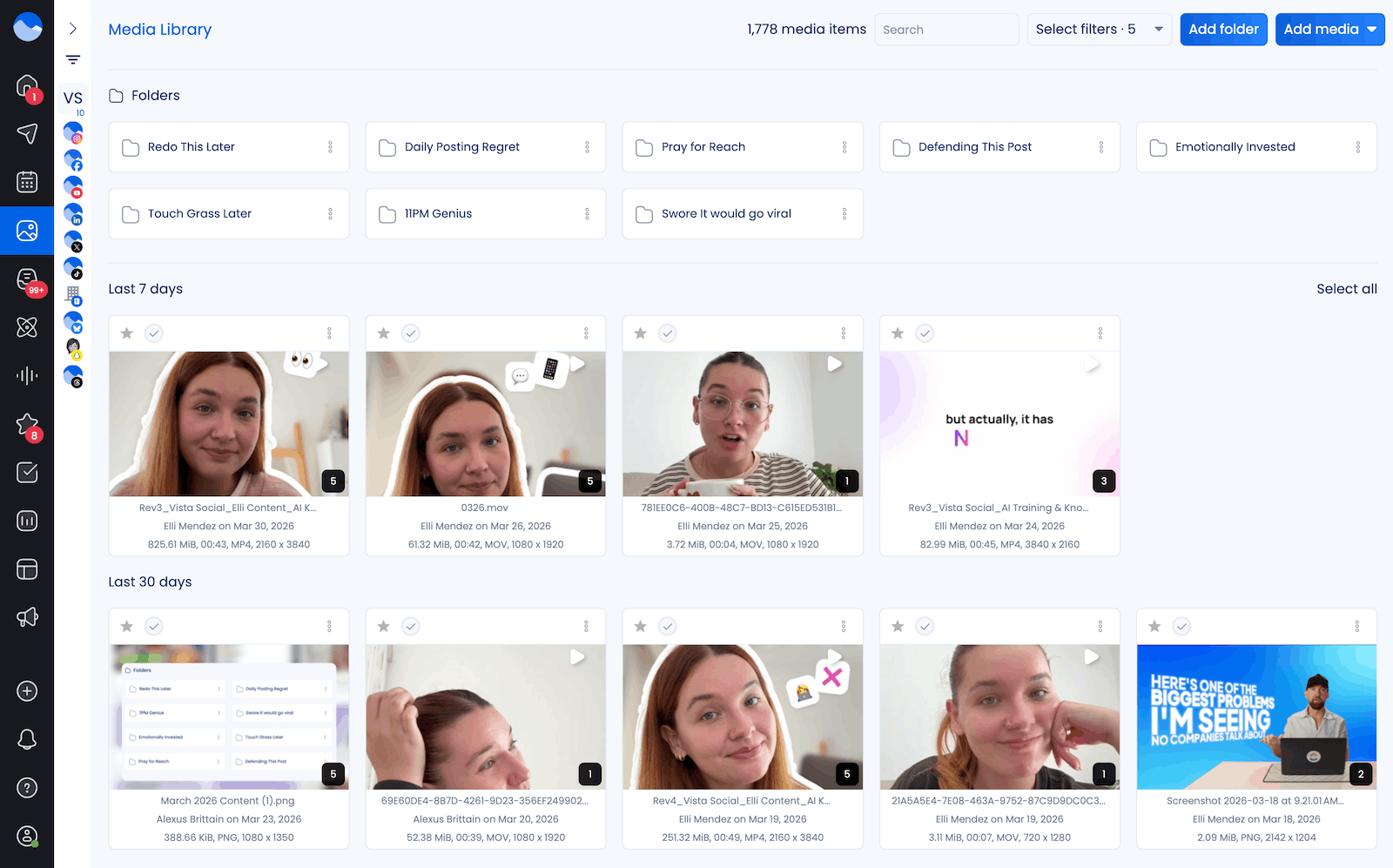
Upload brand logos, approved graphics, video clips, and templates into the correct client folder from the start. You can also upload media to specific profile groups, making sure they’re only available for specific clients. This keeps things even more organized.
When your creative assets are tidy and easy to find, your team spends less time searching and more time creating.
Take a few minutes at the beginning of each client relationship to set up their folder structure. Create subfolders for logos, photography, video assets, and templates. It’s a small investment of time upfront that pays off every time your team needs to create or schedule a post.
6. Create an easy-to-follow approval workflow for social media content
Content approvals can become a huge bottleneck if you don’t have a clear process. Without one, posts sit in limbo, deadlines get missed, and clients get frustrated.
Set up a defined approval workflow that everyone on your team understands. This should outline who creates the content, who reviews it internally, and how it gets sent to the client for final sign-off. Each step should have a clear owner and a timeline attached to it.
Vista Social makes this easier with built-in approval workflows. You can assign posts for internal review and then route them to clients for approval before anything goes live. Clients can leave comments, request changes, or approve posts directly in the platform. This keeps everything in one place and gives you a clear record of what was approved and when.
If you want to set up these workflows, go to Settings > Publishing Settings > Approval Workflows.
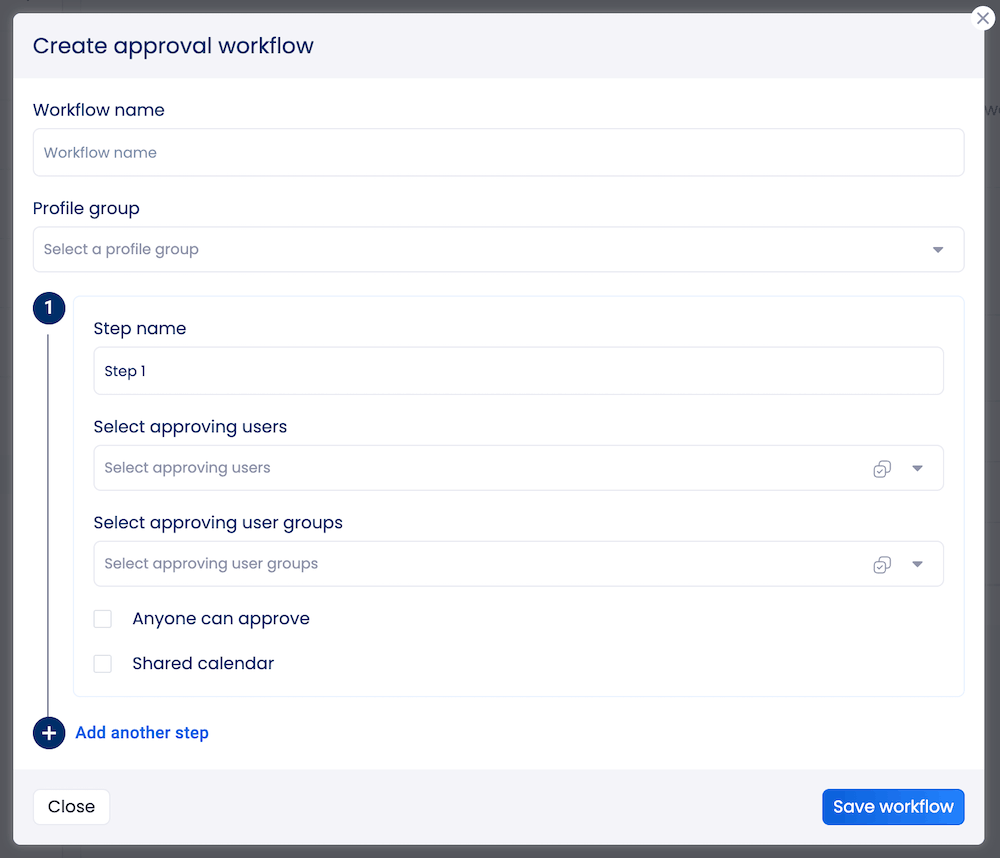
With Vista Social’s approval settings, you can also turn on Shared calendar which lets you generate a public link your team can share with clients. This way, your clients don’t need their own logins, but they can still browse through upcoming content, approve or reject posts, and leave comments with their feedback.
This makes content approval even more streamlined and gets rid of the constant back-and-forth via email or over spreadsheets.
7. Automate reporting on a consistent basis
Pulling reports manually for every client each month eats into time you could spend on strategy and creative work. And if you skip a reporting cycle because you’re swamped, clients start wondering what they’re paying for.
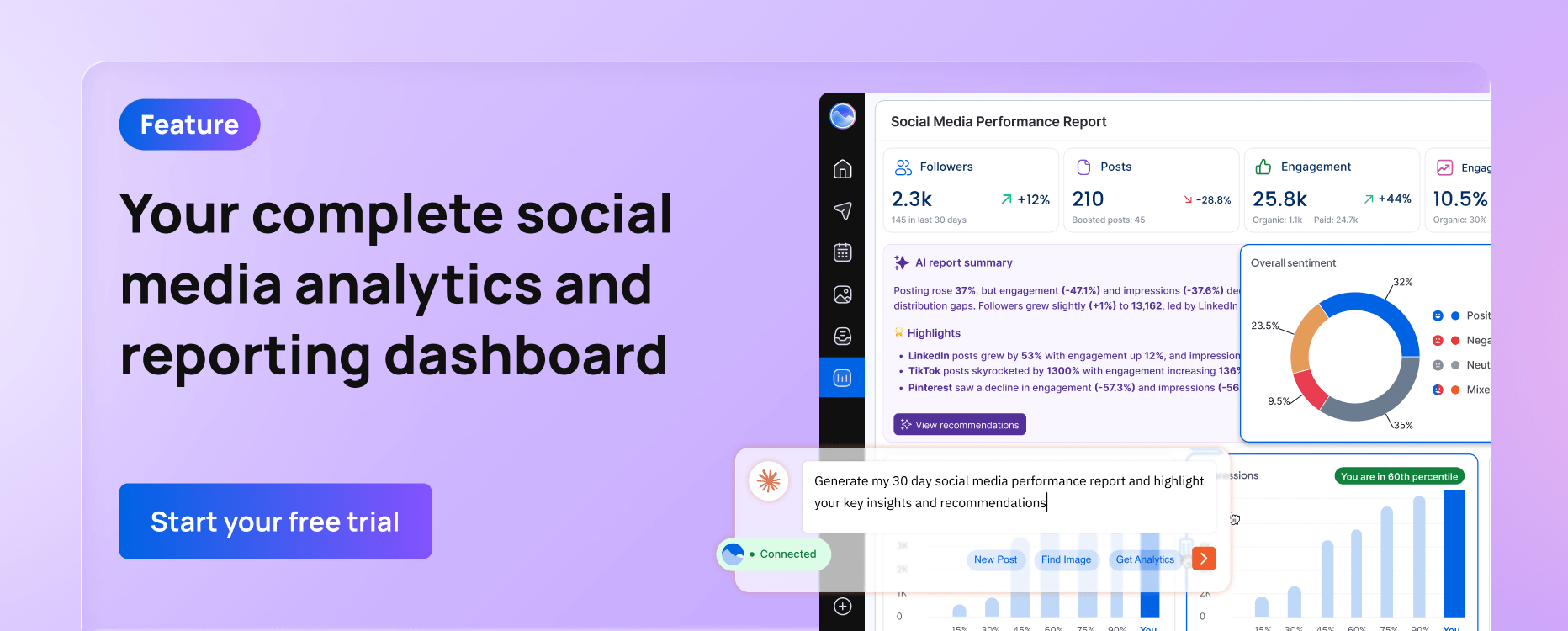
Automating your reports solves both problems. In Vista Social, you can schedule client reports to generate and send automatically on whatever cadence you choose. Set it up once, and your clients get a polished performance summary in their inbox like clockwork.
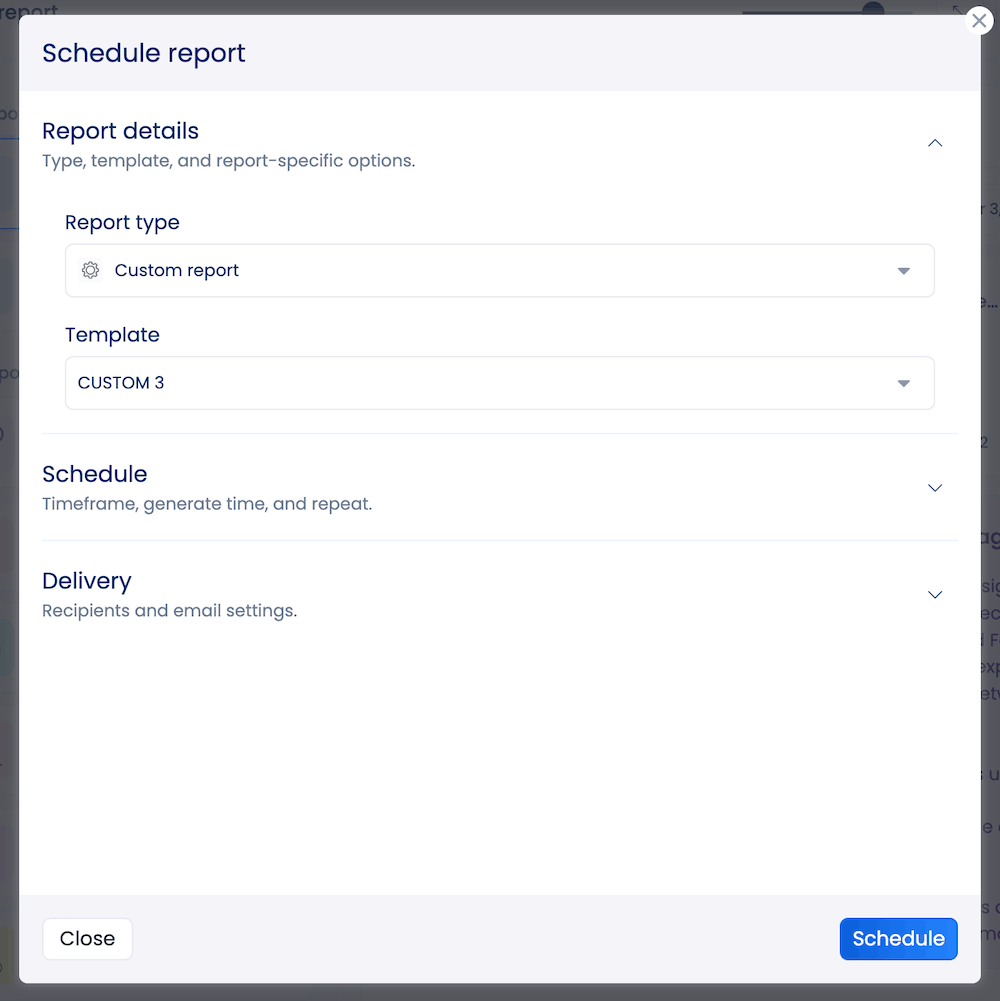
You can also customize what each report includes so each client sees the metrics that matter most to them. Some clients care about follower growth, while others want to zoom in on engagement rates or click-throughs. Tailoring the data makes your reports more useful and shows clients you understand their goals.
Consistent reporting also protects you when clients ask tough questions about performance. Instead of scrambling to pull numbers on the spot, you can point to the reports that have been landing in their inbox every month. That kind of transparency builds trust and makes renewal conversations much easier.
8. Keep a master content calendar per client
A scattered content plan leads to last-minute scrambles, missed posting windows, and inconsistent messaging. Every client should have their own dedicated content calendar so your team can plan ahead and stay on track.
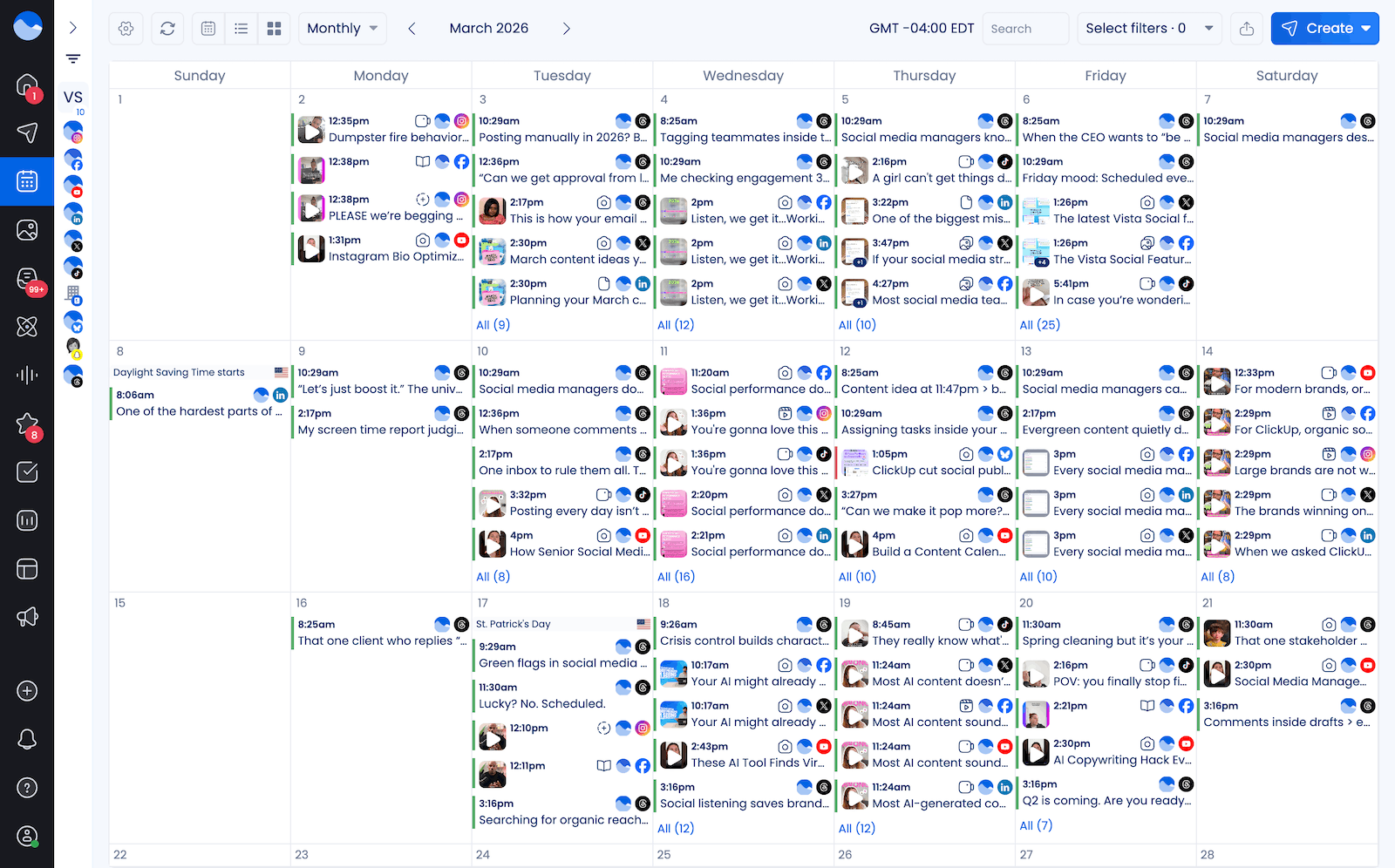
A master calendar gives you a bird’s-eye view of what’s going out, when, and on which platform. It helps you spot gaps, avoid duplicate posts, and make sure each client’s content mix stays balanced.
When you use profile groups in Vista Social, each client’s content calendar stays separate and easy to navigate. You can view scheduled posts by client, by platform, or by date range. This makes it simple to see the full picture for any given client without sifting through content from other accounts.
Here’s Vista Social’s calendar as an example:
Try to plan content at least two to four weeks ahead for each client. This gives your team enough runway to create quality posts, get approvals on time, and account for any last-minute changes.
A well-maintained calendar also makes it easier to align social content with product launches, sales events, or seasonal campaigns your client has coming up.
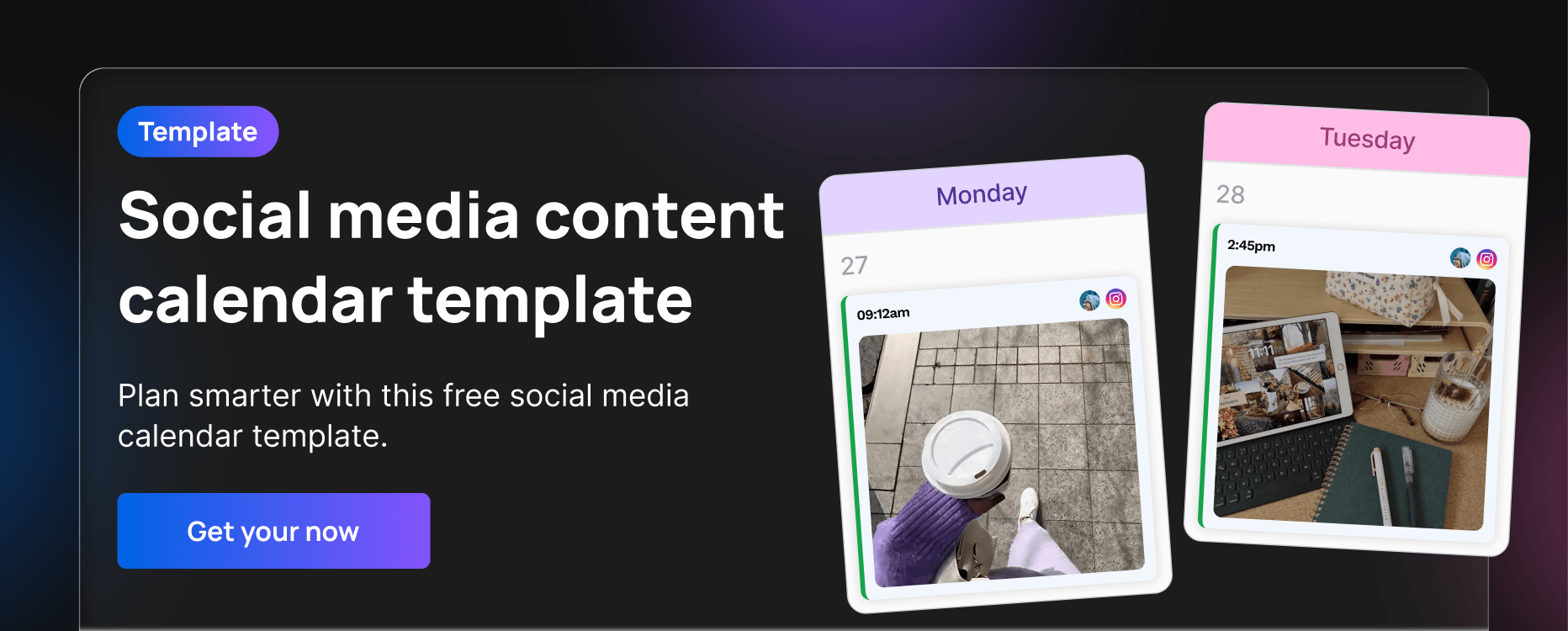
Use a template like the one below to help you get started planning.
9. Use a project management tool to track deadlines and deliverables
Social media management involves a lot of moving pieces. Content creation, graphic design, client feedback rounds, scheduling, reporting, and ad-hoc requests all compete for your team’s attention at the same time.
A project management tool like Asana, ClickUp, or Monday.com gives your team one place to track every task and deadline. You can create boards or project spaces for each client, assign tasks to specific team members, and set due dates so nothing gets missed. This kind of visibility helps you balance workloads and catch bottlenecks before they cause delays.
Pair your project management tool with your social media management platform for the best results. Use the PM tool for tracking deliverables and deadlines, and use Vista Social for scheduling, publishing, and reporting. Together, they create a tight workflow that keeps everything moving without overlap or confusion.
10. Schedule regular check-ins and reviews
Setting up great systems is only half the battle. You also need to regularly step back and make sure everything is still working the way it should. That’s where scheduled check-ins and reviews come in.
Internally, hold brief weekly or bi-weekly team syncs to review each client’s status. Go over what’s been published, what’s pending approval, and whether any deadlines are at risk. These quick meetings help your team stay aligned and catch small issues before they snowball.
On the client side, book recurring strategy reviews. Monthly or quarterly check-ins are a great time to discuss what’s working, review performance data, and adjust the strategy based on results. These conversations show your clients that you’re not just executing tasks. You’re actively thinking about how to grow their social media presence and deliver better outcomes over time.
Don’t forget to review your own internal processes too. Every quarter, take a look at what’s working and what isn’t in your workflows. Maybe your naming conventions need an update, or your approval workflow has a step that slows things down. Treating your own operations like a client account keeps your agency running at its best.
Keep your clients organized with Vista Social
Staying organized across multiple social media clients doesn’t have to feel overwhelming. With the right mix of systems, habits, and tools, you can keep every account running smoothly and give each client the attention they deserve.
The hacks in this guide all come down to one idea: build repeatable processes and lean on tools that do the heavy lifting for you. From automated onboarding and centralized profile groups to scheduled reports and built-in approval workflows, Vista Social gives agencies the structure they need to scale without the chaos.
If you’re ready to bring more order to your client management, give Vista Social a try and see how much easier it gets when everything lives in one place.