There’s a new kind of marketer emerging, and if you’ve met one, you already know.
They don’t open ten tabs. They open Claude. Or Cursor. Or ChatGPT with a handful of connectors. They spend their day chaining tools together—not with code or fragile Zapier graphs held together by hope, but by talking to an AI that knows how to drive each tool directly through its MCP connection.
They’re the ones who noticed, quietly, that the shape of marketing work changed this year. And they’ve been hunting ever since.
Hunting for what? For connections. For every SaaS tool they rely on to ship an MCP, so they can finally pull it into the chain. Because here’s the thing—no single tool can automate the whole job. Your CRM can’t write your Instagram caption. Your design tool can’t read your analytics. Your social platform can’t open your email.
But if each one of them exposes an MCP? The chain closes. And the job that used to take your Tuesday afternoon takes a prompt.
If that’s you—or if you’re starting to suspect that’s where you’re heading—this post is for you. Read on to learn how social media marketers are consolidating their entire workflow with MCP—and how Vista Social can play a vital role.
What do we mean by MCP-native marketer?
An MCP-native marketer is a marketer who gets major tasks completed right inside their Claude, Cursor, or ChatGPT chat window, without having to open up each individual tool to do it.
Here’s what the MCP-native marketer actually does.
They don’t automate “social media management.” That’s too big, too vague. They automate a chain—a specific sequence of steps that used to require jumping between five tools and a human brain.
Let’s look at some real world applications of MCP chains.
Monday rollup chain
- Gmail MCP pulls last week’s client replies
- Vista Social MCP pulls post performance
- Google Drive MCP grabs the client’s brand doc
- Claude writes a personalized weekly summary per client
- Gmail sends them out
- The marketer reviews a queue of drafts over coffee
Launch week chain
- Notion MCP reads the product brief
- Vista Social MCP checks best-send times across IG, LinkedIn, and TikTok
- Claude drafts five captions in brand voice, picks the strongest, and queues the post with a hero image pulled from Vista Social’s media library
- Slack MCP pings the team when each one ships
Inbound triage chain
- Vista Social MCP watches the inbox for pricing questions
- HubSpot MCP looks up whether the sender is an existing lead
- Claude drafts a reply using the right macro for the segment
- Vista Social posts it once the marketer approves
Content intelligence chain
- Vista Social MCP pulls the week’s underperformers
- Perplexity MCP scans what competitors shipped
- Claude writes a memo explaining what shifted
- Google Docs MCP drops it in the team folder for Monday’s standup
As you can see, none of those chains are possible with one tool. That’s why your favorite marketer keeps asking every vendor “do you have an MCP yet?”
They’re not being trendy. They’re trying to finish their workflow.
Notice something about those chains: Vista Social is one link, not the stage. That’s the right posture. We do social, deeply, and we hand off cleanly to whatever lives on either side of us.
A quick note on dashboards
Before anyone panics: Dashboards aren’t going anywhere. The best ones are about to get more valuable, not less.
Here’s the shift, though.
The marketers that will thrive in the AI era are the ones who recognize that an integrated tech stack and a user-friendly dashboard isn’t the end all, be all—especially if they can work seamlessly from a single interface with MCP.
Our marketing work has always lived across a matrix of tools. And as long as those tools had the right integrations and could speak to each other, that was enough.
But we’re stepping into the future. And that means our tools also need to recognize that they’re only one step in the chain, and that providing marketers with a clean MCP is the best way to help them do their best work.
Vista Social takes that posture on purpose. Our dashboard is excellent—30,000+ agencies, brands, and creators run their entire social operation on it every day, and we’re investing in it harder than ever.
But we also know social is one layer of what you do. So we built the MCP alongside the UI, as equals, so you can use us however your work actually flows.
Run your social media operation from one platform
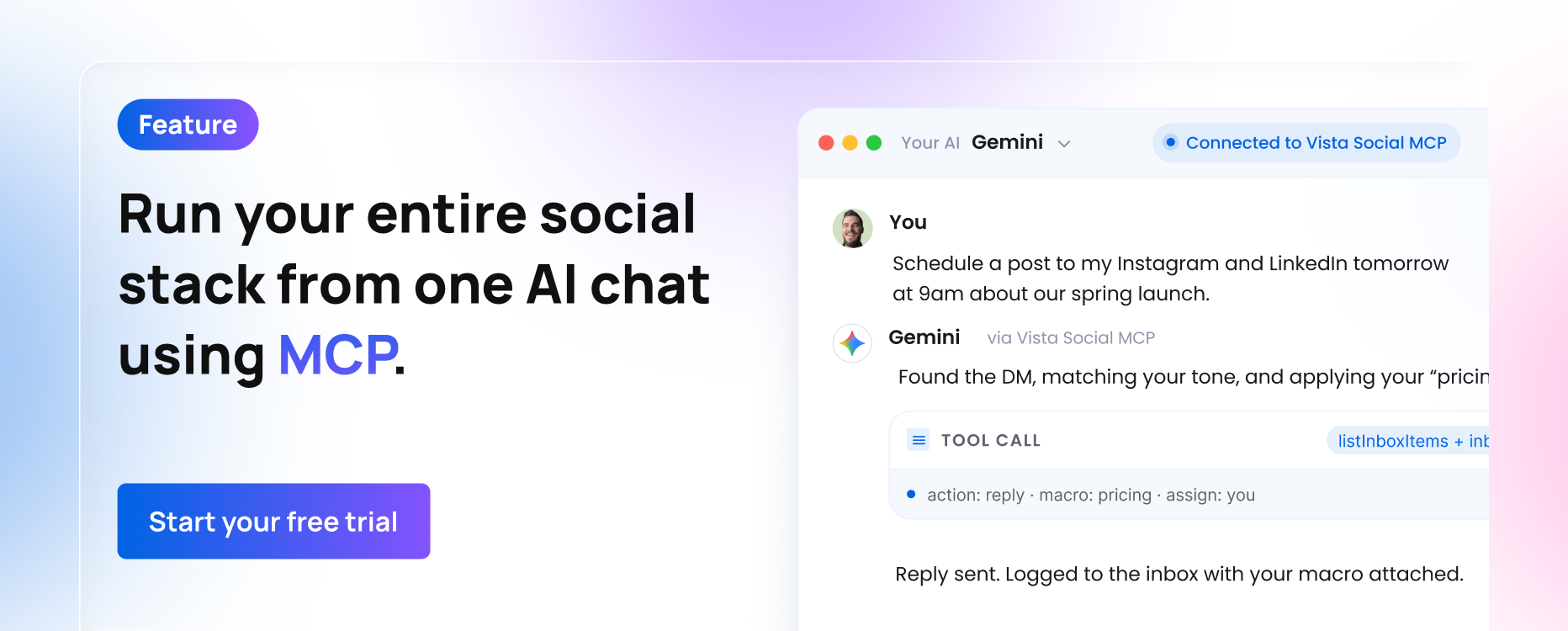
MCP gives you the unique ability to run your entire social media operation from one single AI chat.
- Want to create a batch of posts and then schedule them? Done.
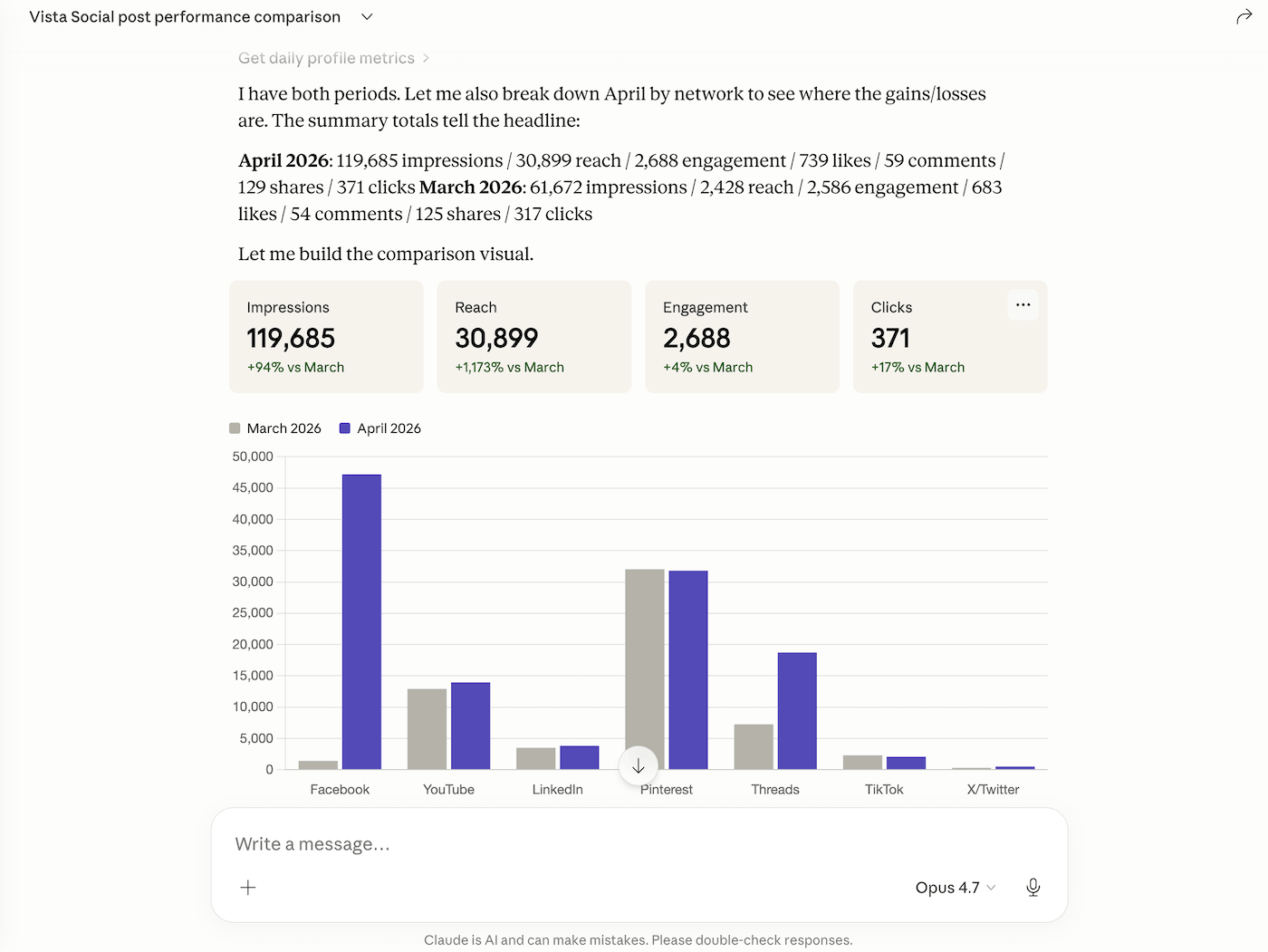
- Want to run an analysis comparing your last two months of content? Easy.
- Want to read and reply to your last few unread DMs from each social media platform? Never waste time opening each individual social app again.
Whether you drive Vista Social from the dashboard, from Ask Vista, or from Claude on your laptop, it’s the same engine doing the work.
Vista Social’s MCP spans across:
- Publishing across every network that matters: Instagram, TikTok, LinkedIn, Facebook, YouTube, Threads, Bluesky, Pinterest, X/Twitter—create and schedule content at optimal times all in one window
- A unified inbox: DMs, comments, mentions, reviews, with assignment workflows, macros, sentiment, and SLA tracking
- Analytics that answer “why”: Industry and competitor benchmarks, top-format detection, best-time analysis, sentiment trends, exportable client reports, and actionable recommendations that give purpose to your analytics
- AI-native content tools: Brand voice-based caption generation, content idea mining from your top posts, cross-network repurposing
- Vista Page: A link-in-bio page that shares the same analytics as everything else
- White label + agency-scale permissions: Built for teams running 5, 50, or 500 profiles
Every one of those capabilities is addressable from inside the dashboard and from outside it. Same engine. Same data. Same permissions. Different surface.
Vista Social’s link in the chain: 50+ MCP tools
The Vista Social MCP exposes 50+ tools covering scheduling, analytics, inbox, content, media, reporting, and team management. Easily plug it into:
- Claude Desktop, ChatGPT, Cursor, Gemini, Windsurf, Zed or any other MCP-compatible client
- Make, Zapier, n8n, Pipedream, etc., for visual automation graphs that reach across dozens of MCPs
Authorization is scoped to your Vista Social role. If you can’t see a profile in the dashboard, neither can your AI. Revoke the token from Settings → Integrations and every connected client loses access instantly. It’s included in every paid plan during beta.
Concretely, this means your AI can now handle any of these inside a larger chain:
- “Schedule a post to my Facebook page and Instagram profile for tomorrow at 9am.”
- “List posts published in the last 30 days, ordered by impressions.”
- “How are my posts performing this month vs. last month?”
- “Draft friendly replies to my unanswered DMs from the last 48 hours.”
- “Create 3 content ideas per client for next week across Instagram and TikTok.”
- “Email a copy of my latest performance report to my client.”
Plus, get 20+ more go-to prompts here.
Each of those is a verb your AI now speaks fluently. The magic is that the links on either side—CRM, analytics warehouse, email, design, doc store—are becoming fluent too.
Or use Ask Vista: an AI chat right inside Vista Social
Some marketers want a conversational command surface that’s already connected to everything Vista Social does, without having to configure a single MCP.
That’s Ask Vista, built directly into the platform.
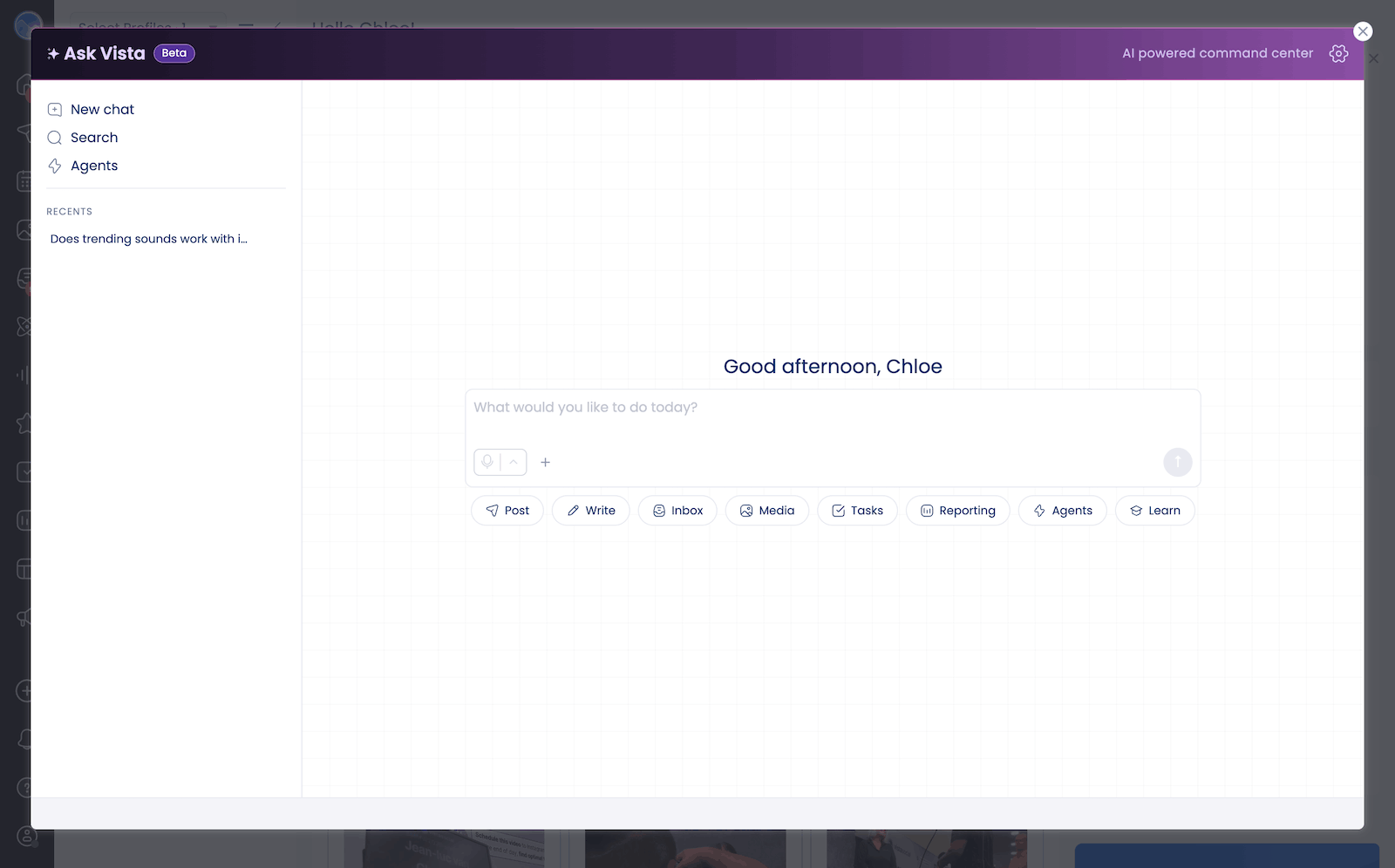
Get the same conversational model with the same ability to compose persistent agents—content agents, inbox agents, reporting agents, competitor-watching agents—except the Vista Social connection is already there and the whole thing runs inside the product you’re paying for.
For a lot of teams, Ask Vista is the first taste of what it feels like to direct social media work by talking instead of clicking.
Dashboard, Ask Vista, or your own AI client via MCP—all great options. You now get to pick the interface that matches how you do your best work.
Make MCP the driving force behind your social media strategy
If you’re constantly looking for ways to be more efficient in your social media management workflow, MCP is the answer. Find out which of your tools already have MCP connections and get them set up with your Claude or ChatGPT.
And if your social media management tool isn’t quite there yet, why not try Vista Social? With 50+ tools (and more on the way) that work inside MCP, we’ve built Vista Social for the future.
Get started with your free 14-day trial to see just how easy our tool makes social media management.