We’re nearing the end of 2025, and what a year it’s been! We’ve released so many amazing new features this year—from tiny updates that improve your workflow to major feature launches that give you the power to add even more to your strategy.
Let’s look back through each of our best feature releases throughout the year so you can make sure you’re taking full advantage of everything Vista Socal has to offer.
Without further ado, our 2025 year in review.
January 2025
- Filters for approval workflows: Easily find the exact workflow approval you’re looking for by searching through profile groups or for workflow names.
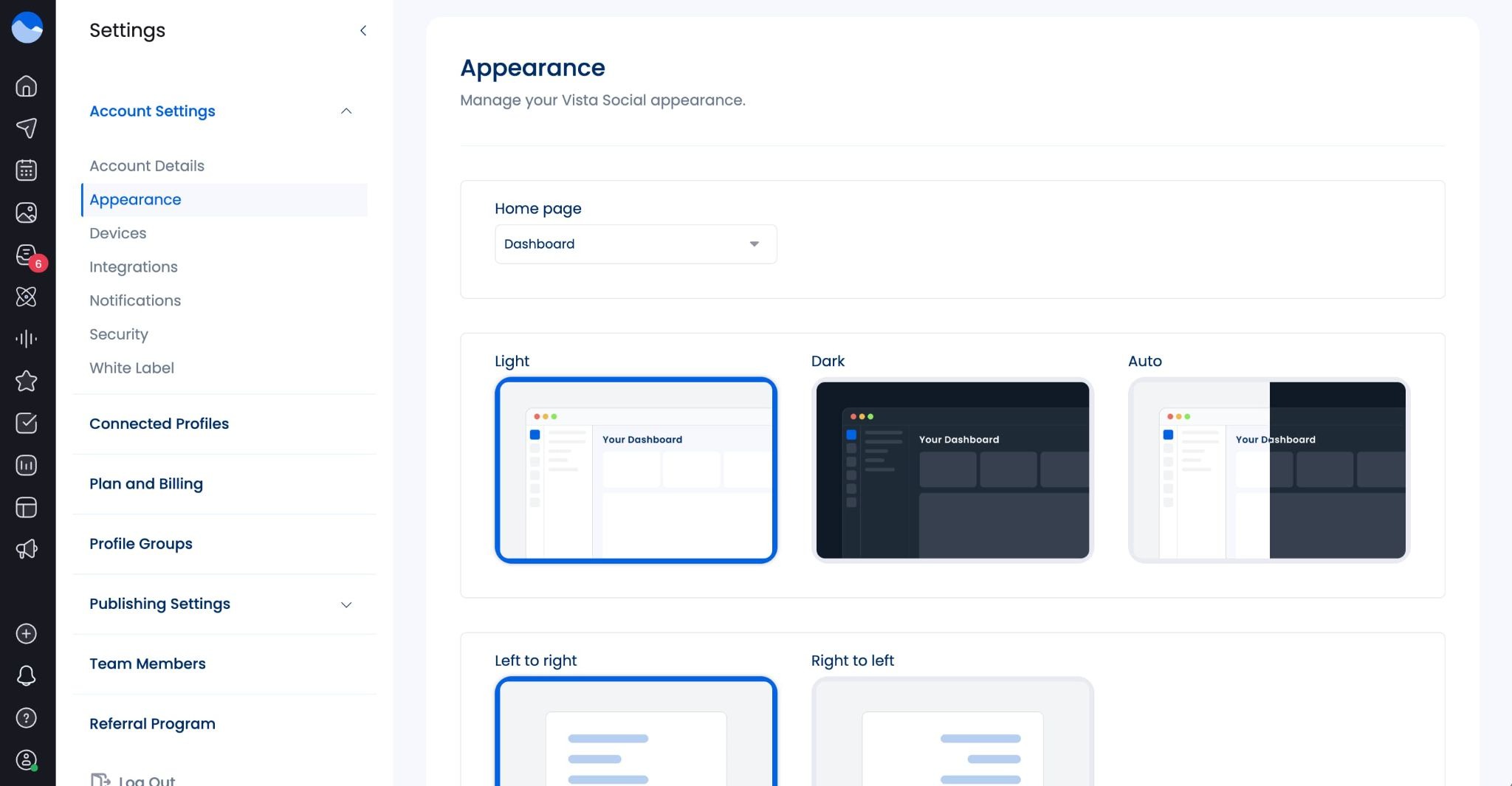
- Dark and light mode: Choose the theme you prefer to work in, whether you’re a dark mode or a light mode girlie. Head to Settings > Appearance to set yours up.
- Threads geo-targeting and reply controls: Now you can target specific locations with your Threads content or choose whether you want to show or hide replies on your posts.
- Improved draft saving: Save drafts no matter how far into them you get—with or without media, text, or anything else—then come back and finish them up later.
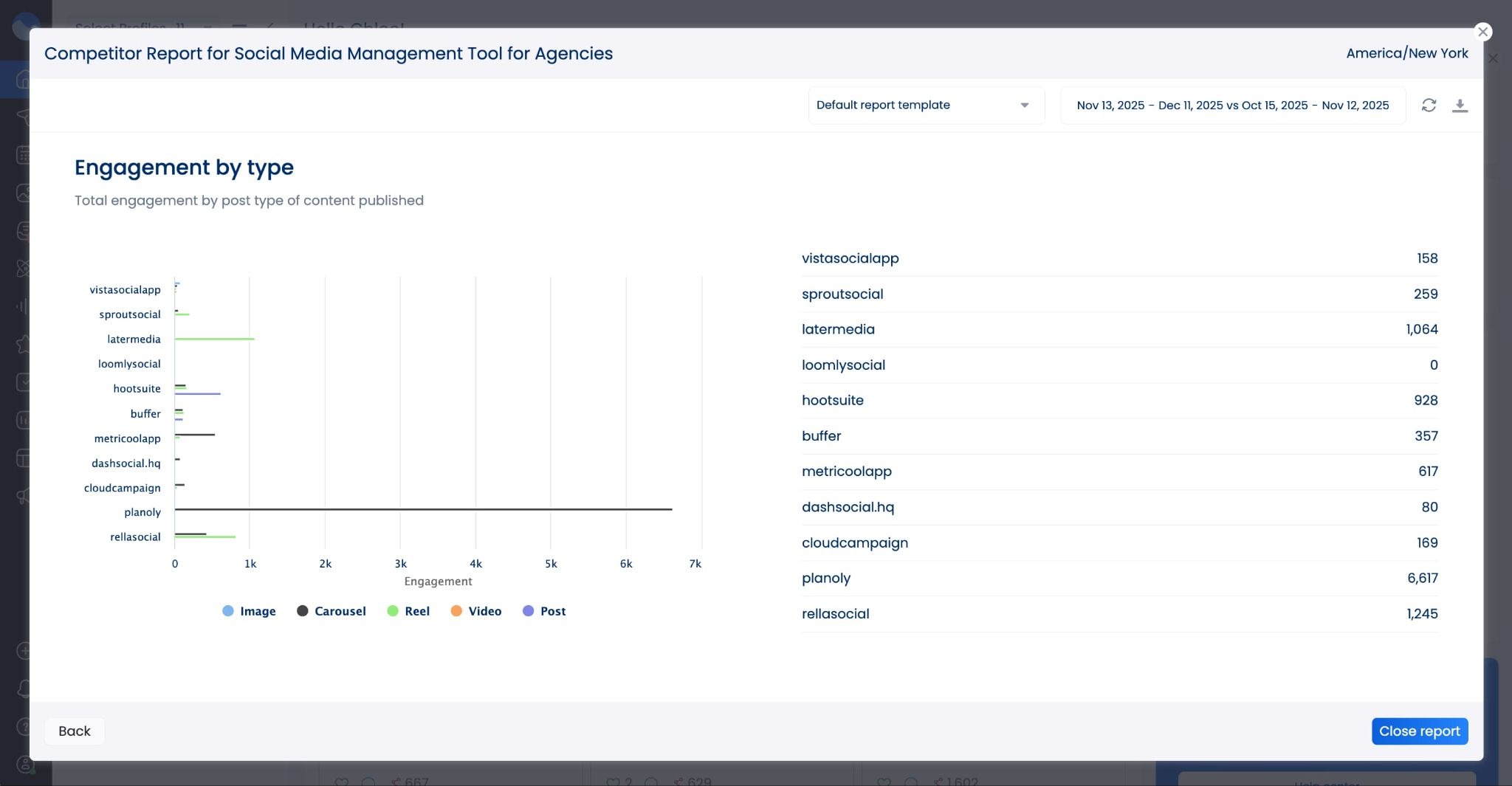
- New competitor analysis report widget: We added a brand new widget to the competitor analysis reports, giving you insights into engagement by post type across all of your competitor content.
- New Instagram planner and grid preview update: To match Instagram’s update to the 4:5 aspect ratio, our users can also view their posts in 4:5 to see exactly how they’ll appear in their feed.
February 2025
- New social listening feature: Our brand new social listening feature gives you the ability to monitor different trends, hashtags, and conversations so you’re always in the know. Head to the Listening area of the dashboard to create your first listener.

- Instagram hashtag listening: As part of our social listening capabilities, you can also track performance and usage of different hashtags on Instagram.
- New integrations: Zapier & Make: Automate adding team members to your Vista Social account with our new Add team member action in Zapier and Make.com.
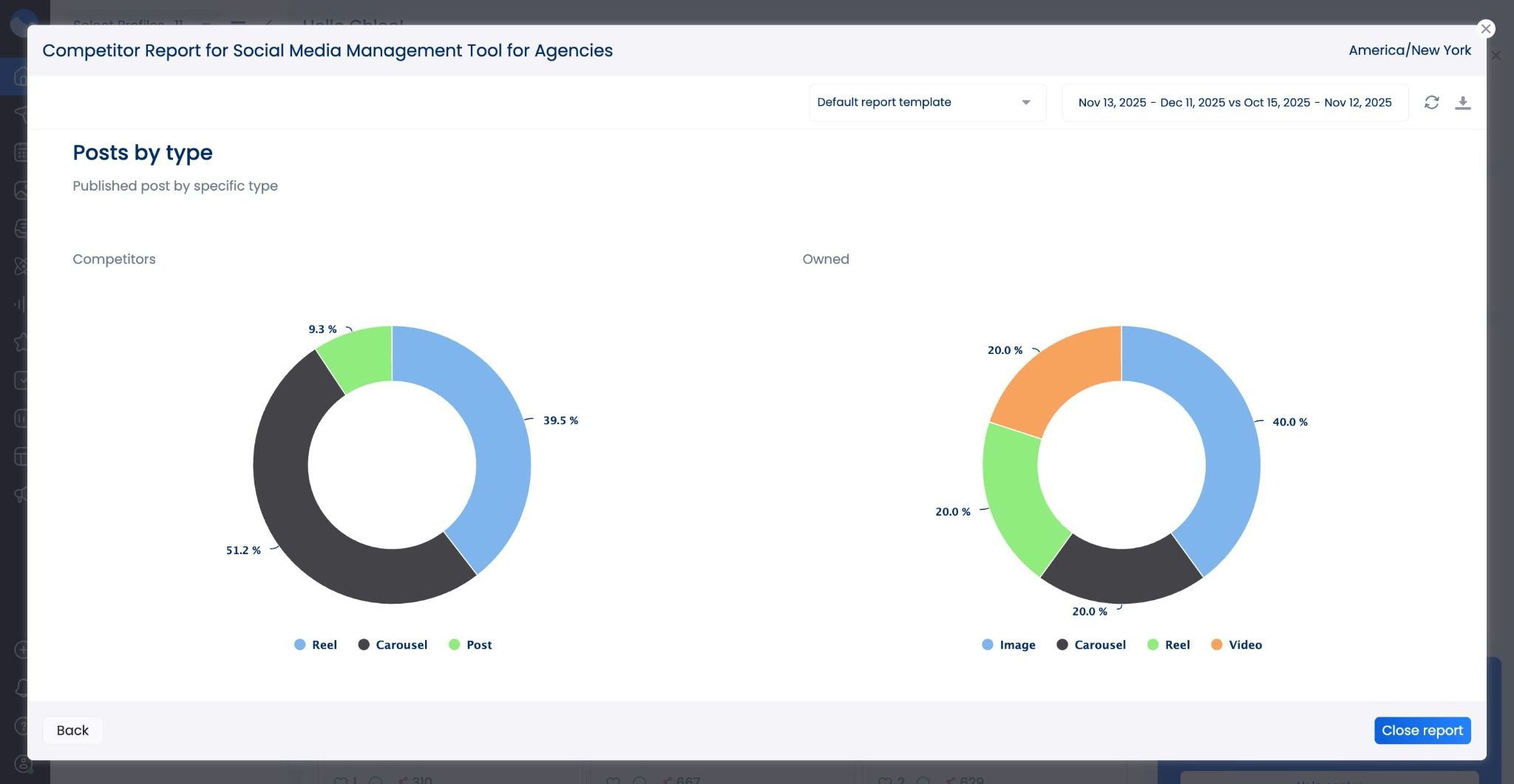
- New competitor analysis report widget: We added yet another widget to your competitor analysis reports, this time giving you the option to view posts by type. This gives you insight into the different post formats your competitors are using.
- Collab post analytics: If you often share collaborative posts on Instagram, whether with influencers or other brands you partner with, you can now see how those posts are doing in Vista Social’s analytics.
March 2025
- Email reminders for scheduled posts: Don’t want push notifications? Now you can schedule email notification reminders when it’s time to publish your content.
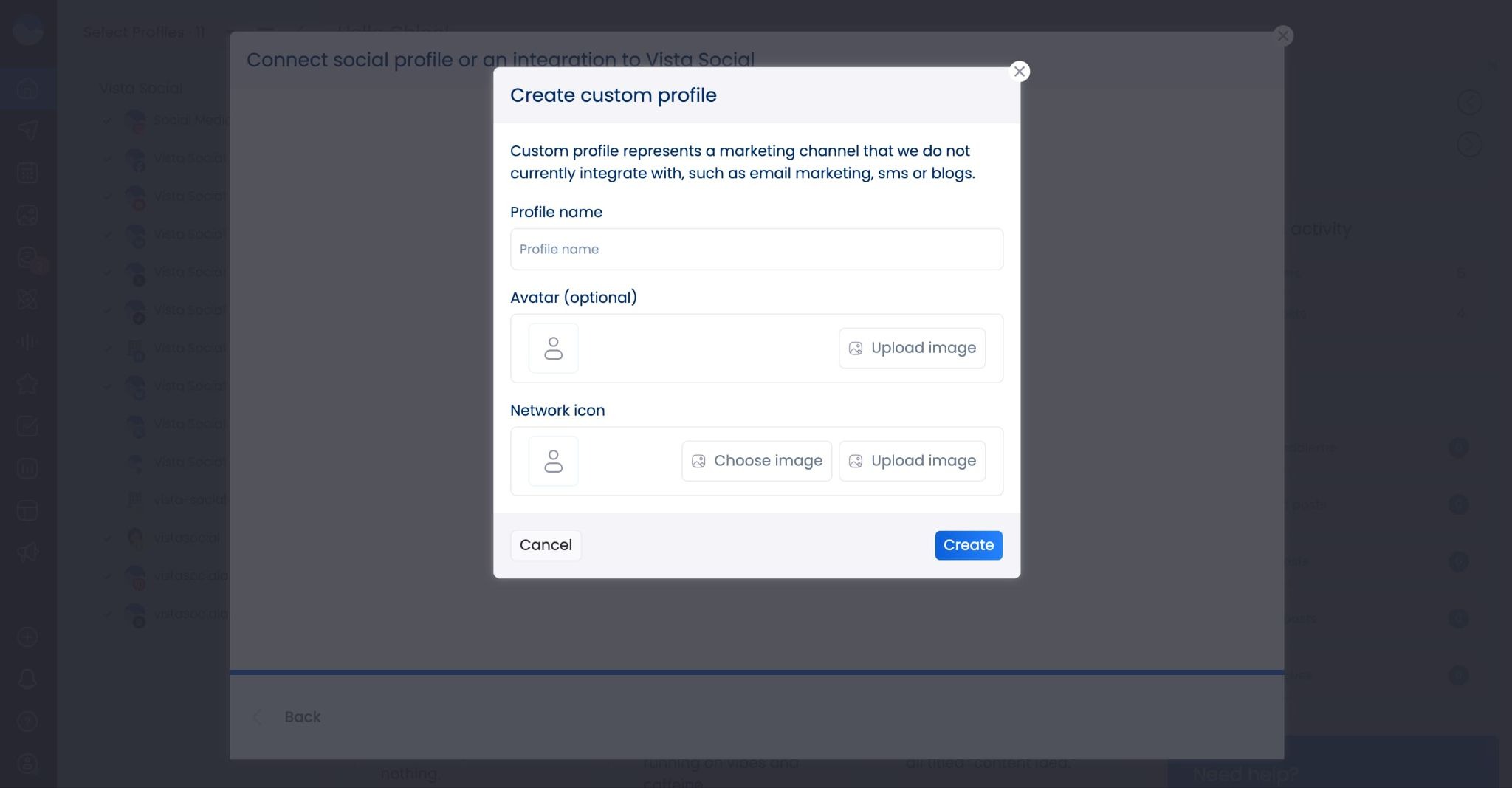
- New custom channels feature: Connect more than just social media profiles to Vista Social! Add your blog, email, podcast, and more so you can put all of your content in one easy-to-follow calendar.
- RTL language support: We’ve added right-to-left (RTL) support for a smoother experience in languages like Arabic and Hebrew. Head to Settings > Appearance to make this change in your dashboard.
- Custom report templates for all reports: Users can now build custom report templates for any report type available in Vista Social. Perfect for streamlining all of your reporting needs.
- Social listening for Threads: Threads (by Meta) is now available as a source inside our social listening feature. Monitor all brand mentions, trends, and industry conversations happening on Threads, right inside your Vista Social dashboard.
- New integration: Looker Studio: Easily visualize your data and analytics with this new integration. Seamlessly deliver your social media insights into Looker Studio so you can place them into digestible data visualizations.
April 2025
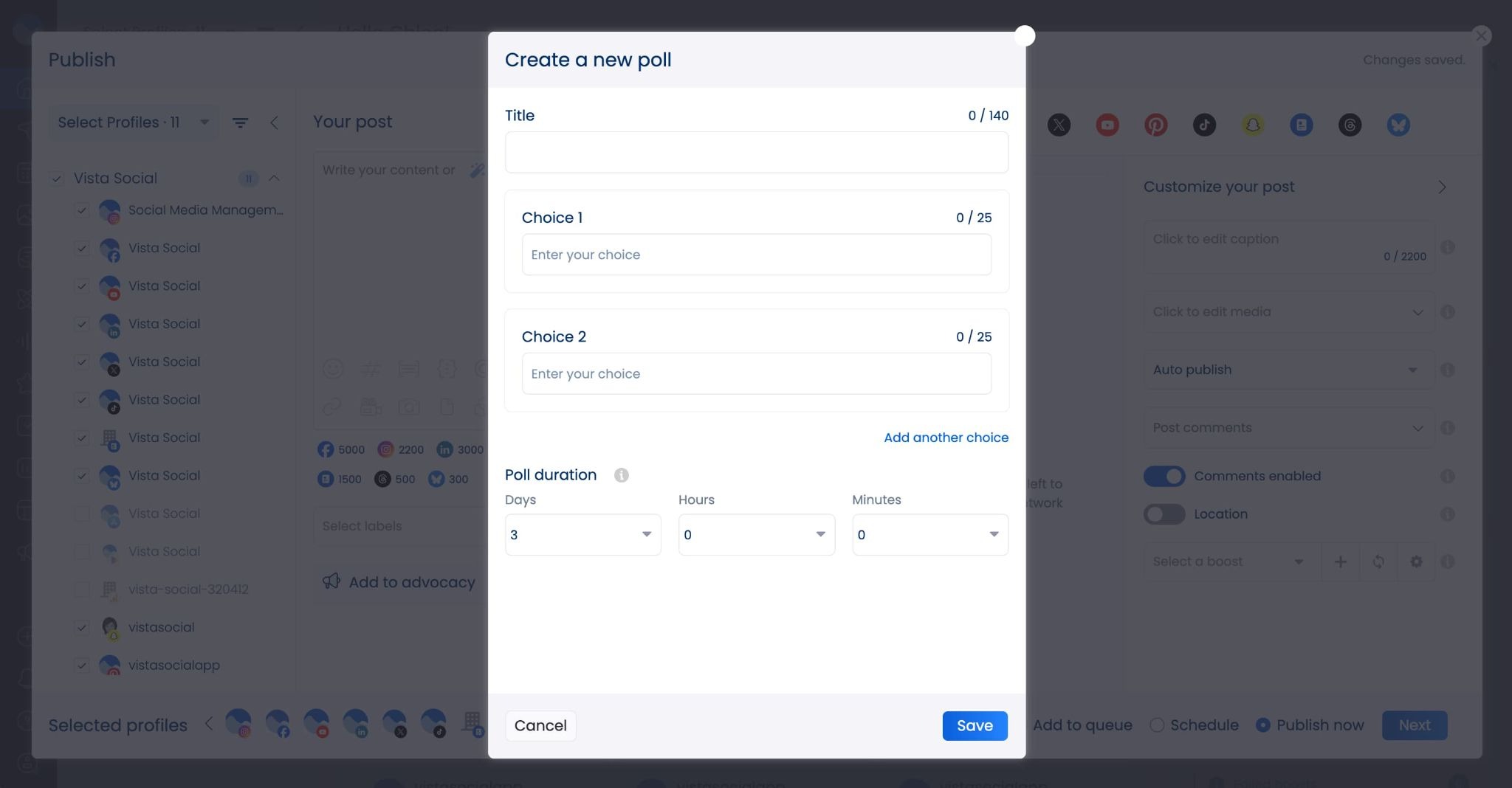
- Poll scheduling: You can now schedule polls for all platforms—even ones that don’t natively support them—right inside Vista Social. Select the poll option in the scheduler and add in your options.
- New social CRM feature: Save customer details like name, job title, email, and more, right inside the social inbox so you always have it right in front of you for every conversation.
- New notifications dashboard: See all notifications from your team right inside your notifications dashboard—when you’re tagged in a comment, have posts to review, and more, all in one place.
- New integration: Zendesk: Connect your Zendesk account to Vista Social and easily create support tickets from social media messages.
May 2025
- New integration: Canva: Create graphics in Canva then upload them directly to Vista Social for easy post scheduling. Find us in the Canva app directory to seamlessly export designs to post to social media.
June 2025
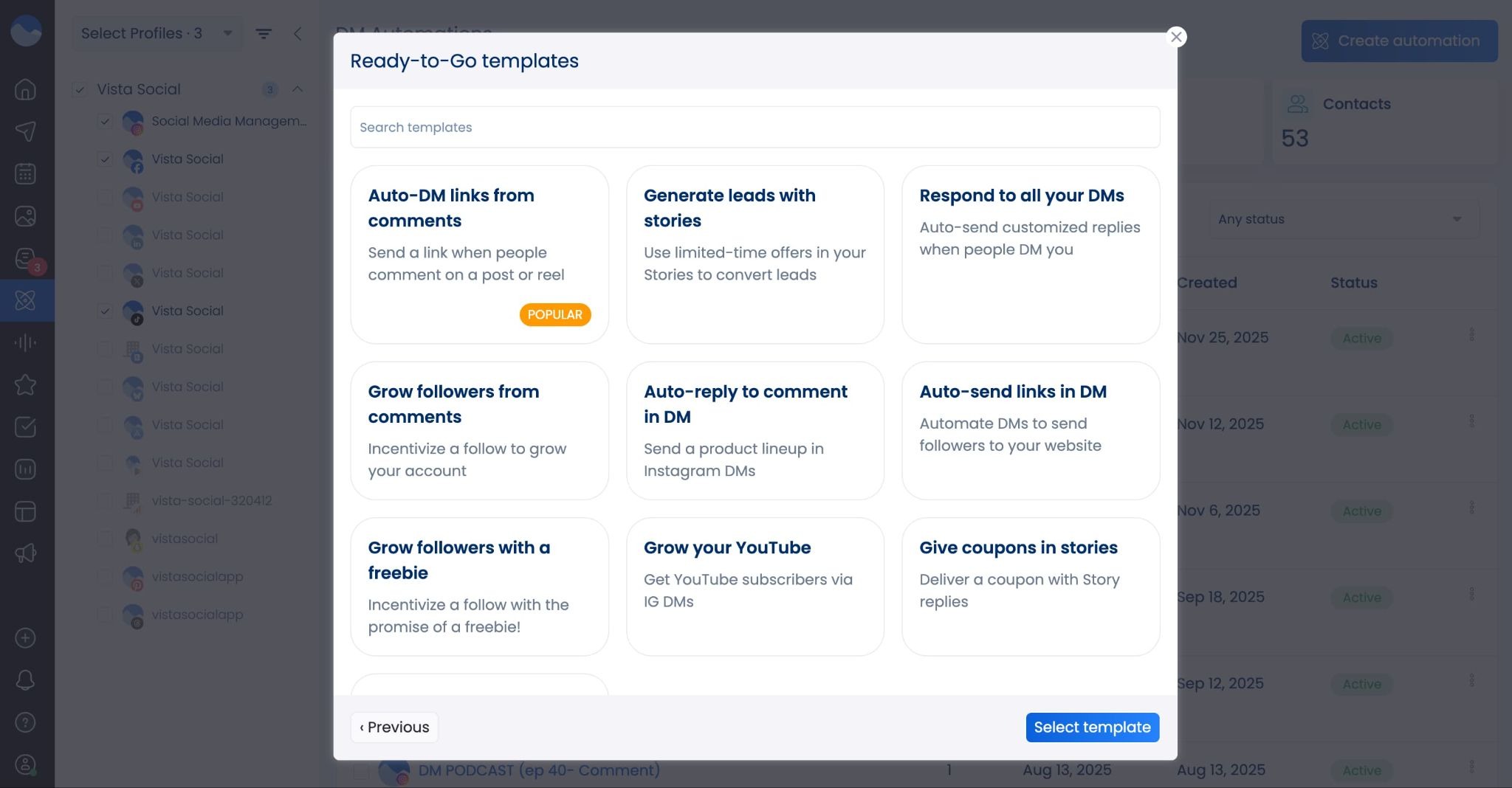
- New DM/comment automation feature: Automate responding to comments or DMs, making it easy to keep on top of conversations, send external links to your audience, and so much more.
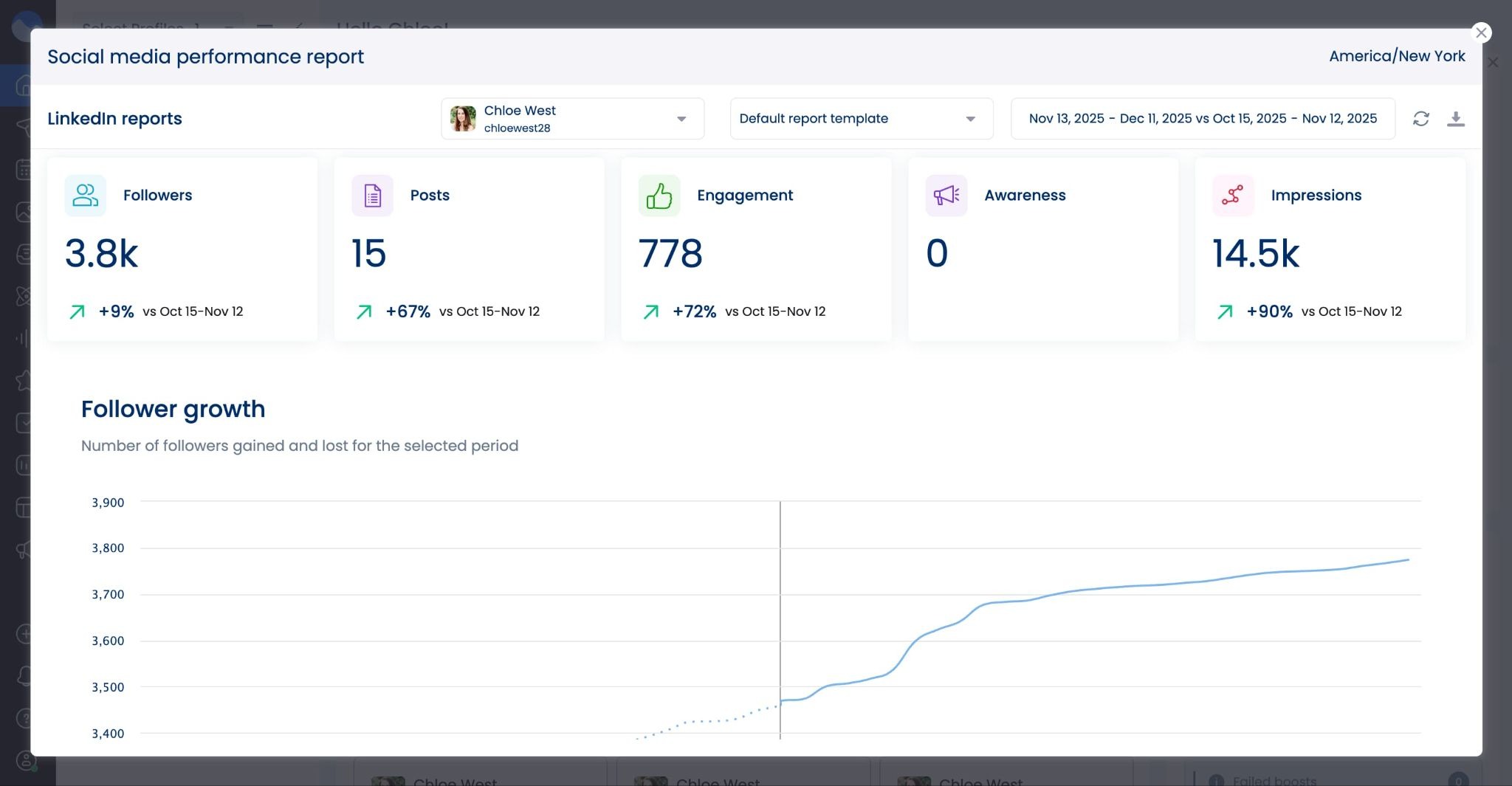
- New Instagram metric: You can now see profile views inside the Social Media Performance Report for your Instagram accounts. Monitor how many users are checking out your profile.
- New TikTok report widget: See new vs. returning viewers and followers vs. non-followers on your TikTok Post Performance Report. This helps you keep track of how many new people your content is reaching.
- Instagram Live comments: Now engage with Instagram Live viewers directly from your inbox.
- Canva integration improvements: Now send complete multi-page designs from Canva to Vista Social, perfect for creating and sharing carousel posts across your social media presence.
July 2025
- DM automation data collection: Now use your DM automations to generate leads by collecting data like name, email, and more.
- Schedule on multiple days/times: Want a post to go out more than once? Easily schedule it multiple times without having to recreate it in the publisher.
- Repurpose multiple posts: Select multiple posts that you want to repurpose so you don’t have to go through each one individually.
- New LinkedIn personal profile analytics: Now track your personal LinkedIn profile performance right inside Vista Social alongside the rest of your brand profiles.
August 2025
- New integration: MCP: MCP lets you connect Vista Social to your favorite AI tool, like ChatGPT or Claude, and manage your social media presence right inside the tool’s chat interface.
September 2025
- Evergreen content: Tell Vista Social which posts you want to see get published again and again and let the tool handle the repurposing for you.
- New calendar list view: See even more posts at a glance with another calendar view. Turn on list view to see a quick bird’s eye view of your content.
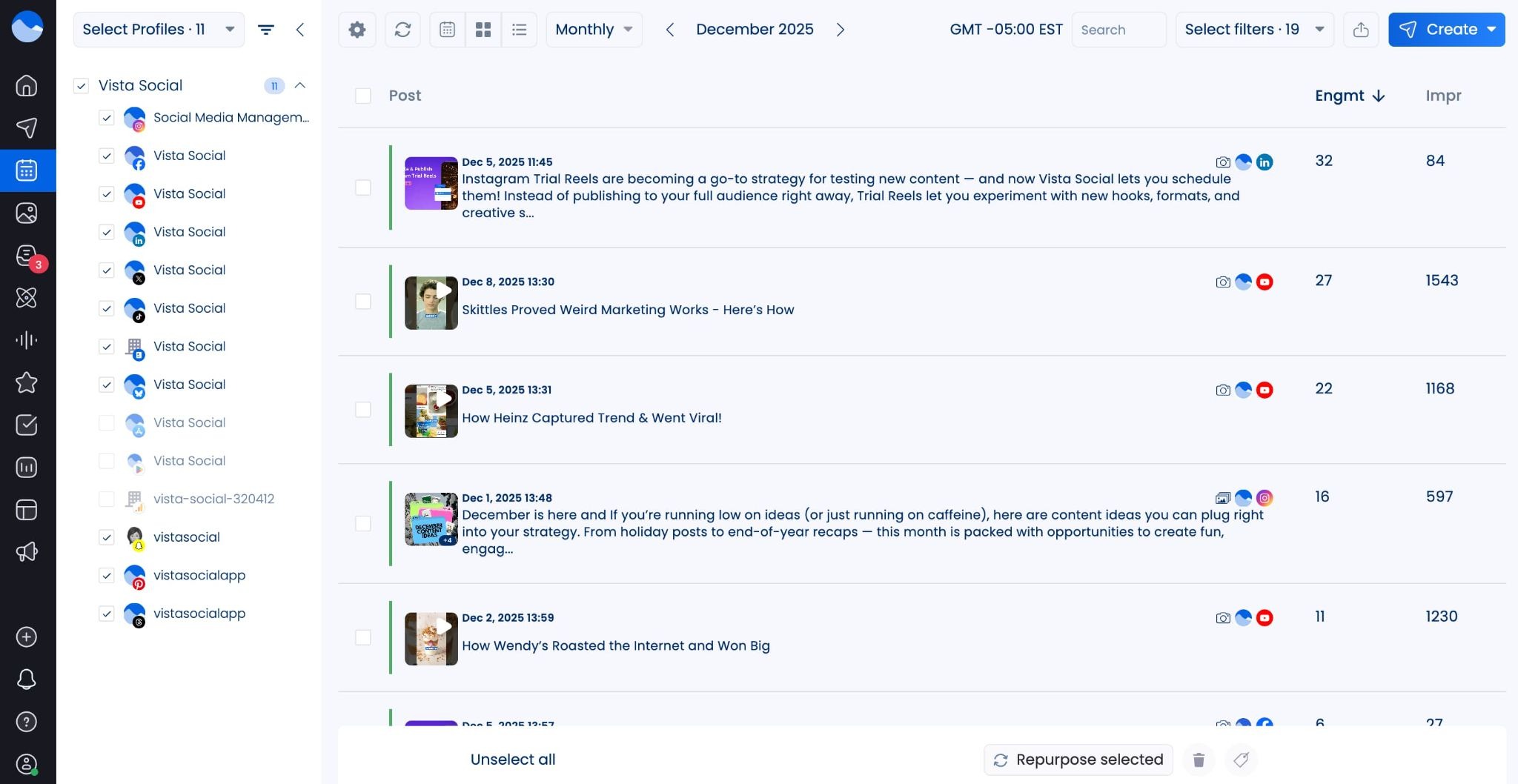
October 2025
- Filter inbox by sentiment: Filter your social media comments and messages by sentiment so you can see positive, negative, and neutral conversations all at once.
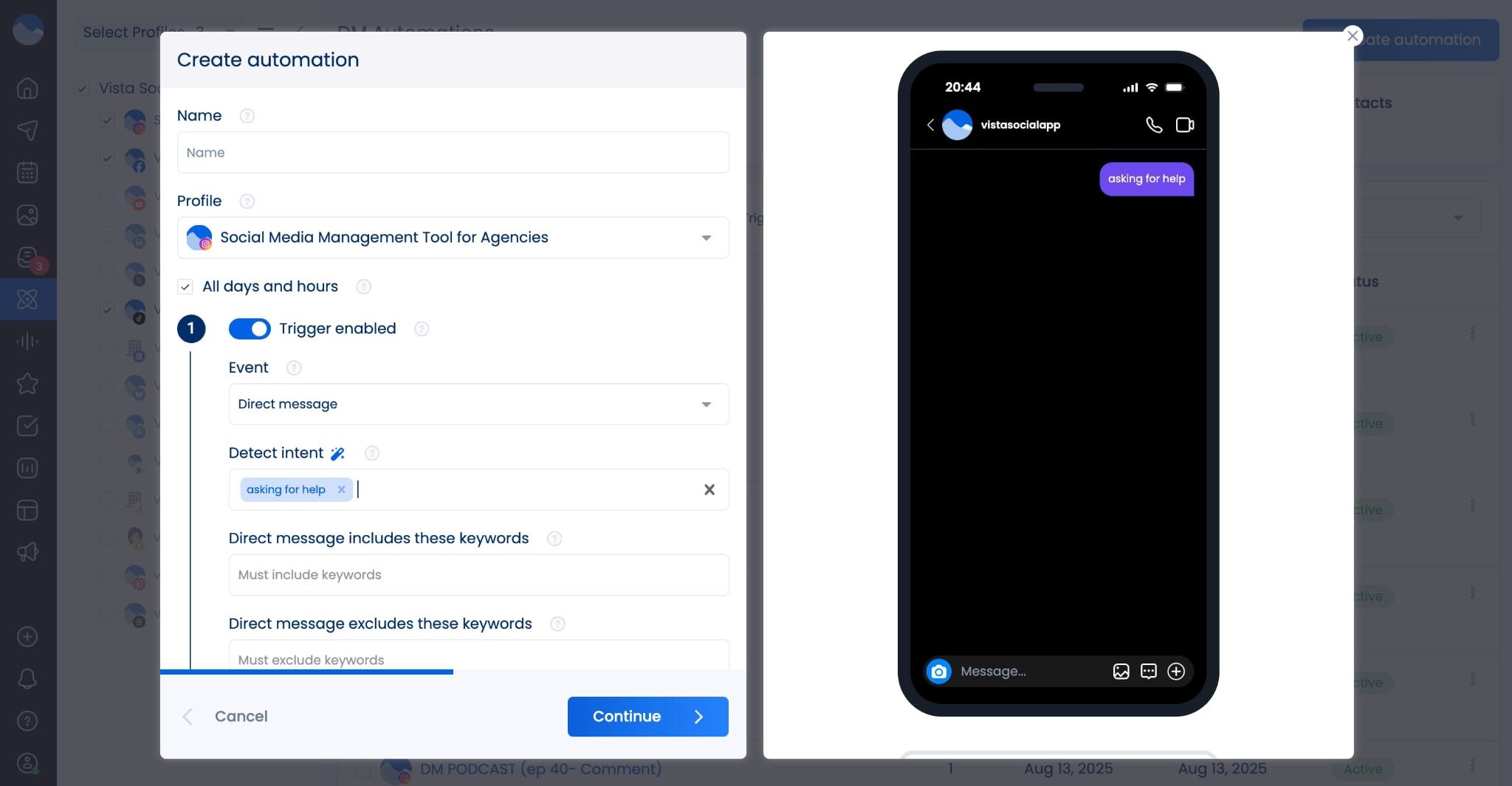
- AI intent: Make automated DM responses even smarter by letting AI decipher intent, rather than trying to guess which keywords your customers will use each time.
- Editable sentiment labels: Our AI analyzes incoming comments and messages to detect sentiment, but if you think we got one wrong, you can update that to reflect it accurately in your reports.
- AI report summaries: Cross-platform Social Media and Post Performance Reports now offer AI report summaries, giving you quick insights and recommendations into what’s working and what you should try next.

November 2025
- New integrations: Apple App Store and Google Play Store: Now manage your app reviews right inside Vista Social by connecting the Apple App Store and Google Play Store to your reviews dashboard.
- New paid performance reporting: Analyze your paid versus organic performance across your social media platforms with our new Paid Performance Report.

December 2025
- Schedule trial reels: You can now schedule your Instagram Trial Reels right inside Vista Social and make experimentation a core part of your strategy.
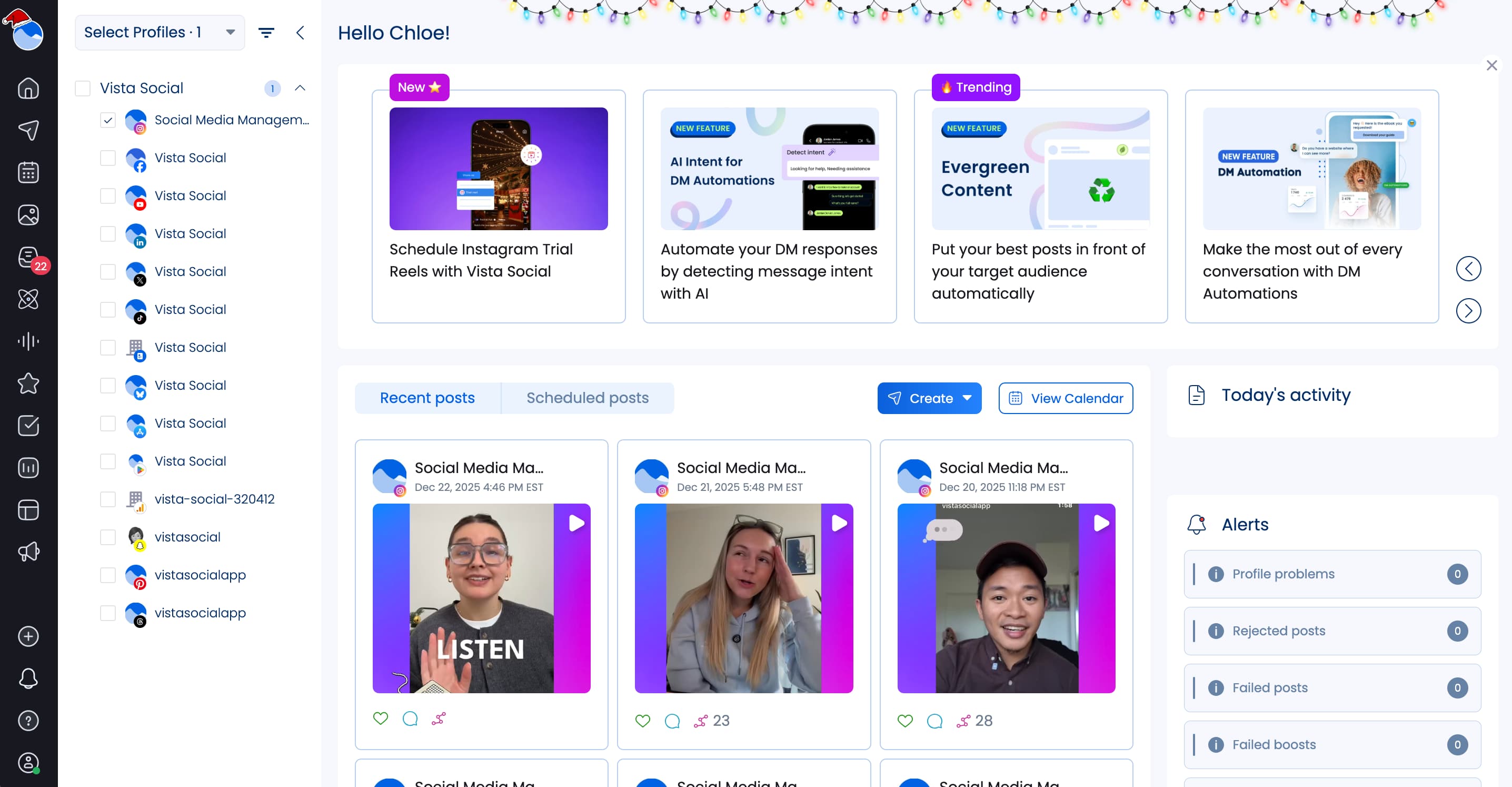
- Holiday themes: Starting with the Christmas season, then popping up again throughout the year, we’re decorating your dashboard with different holiday themes to get you in the holiday spirit.
- Summarize our blog content with AI: Peep the brand new Summarize with AI button at the top of each of our blog posts! Choose your favorite AI tool to get a quick summary so you don’t have to spend time reading the entire thing.
- New free tool: LinkedIn headline generator: Take advantage of our brand new completely free tool to generate a headline that will help you stand out on LinkedIn. Try it now.
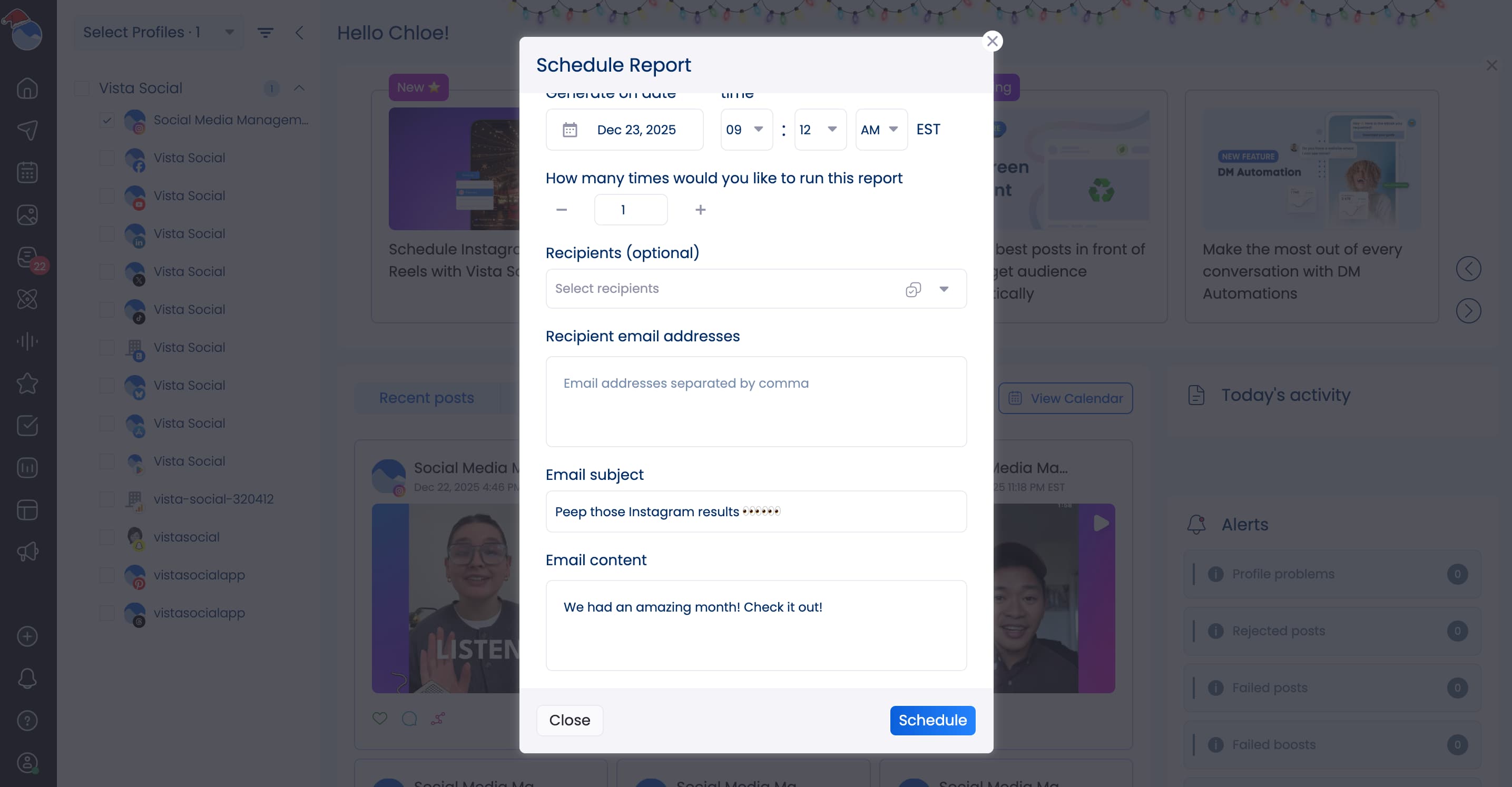
- Customize report emails: Personalize your report email’s subject and body when sending monthly or quarterly reports to clients or team members. Entice them to open the report by highlighting wins or teasing exciting updates.
- AI inbox summaries: Stay on top of every social media conversation with a quick AI summary of previous comments and messages so you never forget a face.
- Message sizing options: Don’t get overwhelmed in the face of all your customer conversations. Choose the inbox message sizing that helps empower you to manage every comment, mention, or message.
- Team conversations in the social inbox: Create internal conversations around comments or messages so you know who’s handling what, you can get approval on responses, and you can stay on top of every customer conversation.
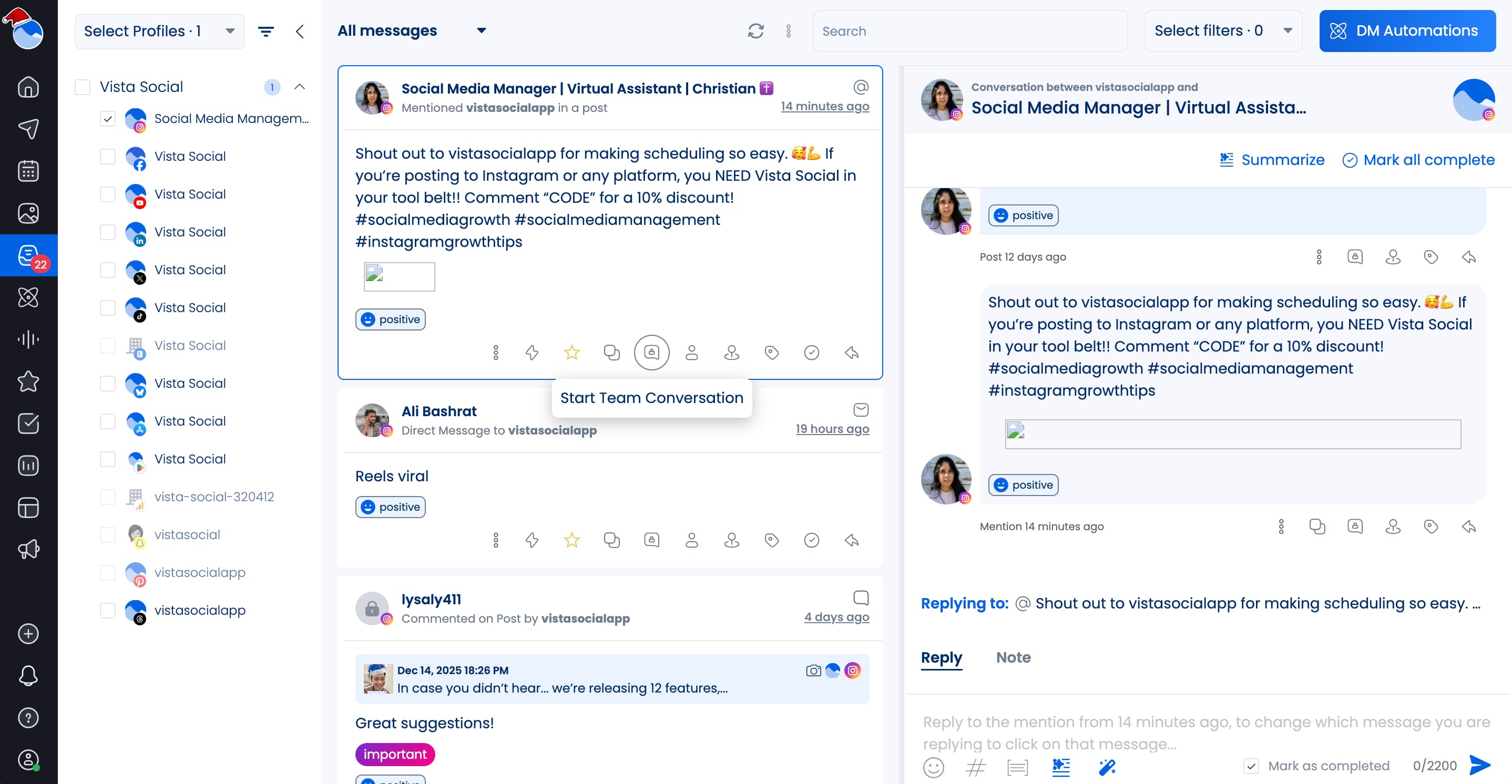
- Bulk actions in inbox: Achieve Inbox Zero with your social media notifications by taking advantage of our new “Mark complete in bulk” option in the Social Inbox.
- Inbox macros: Automate repetitive tasks in the social inbox, like tagging team members, assigning tasks, and more, so you can reduce 2-3+ clicks to one single click.
- New Vista Page designs: Give your link-in-bio page a glow up with new design themes and font pairings in our Vista Page builder.
- Keyboard shortcuts: Open different areas of the Vista Social dashboard with ease with our brand new keyboard shortcuts. Now you can do things like: Press P to open the composer, save all your best ideas by hitting I, instantly create a DM automation with A, tap R to run a report, or create a task in your inbox with Shift + T.
- Custom home page: What section of Vista Social do you use most? Do you wish you could log in and immediately be taken to that page? Now with our custom home page feature, you can log in right at the inbox, calendar, reports, and more.
What do you want to see in 2026?
We’re always building and adding new features, most of which have been personally requested by our users. Is there a feature you’d like to see? Submit a suggestion and our team will get to work.
Or create your Vista Social account to start taking advantage of everything we brought to you throughout 2025.