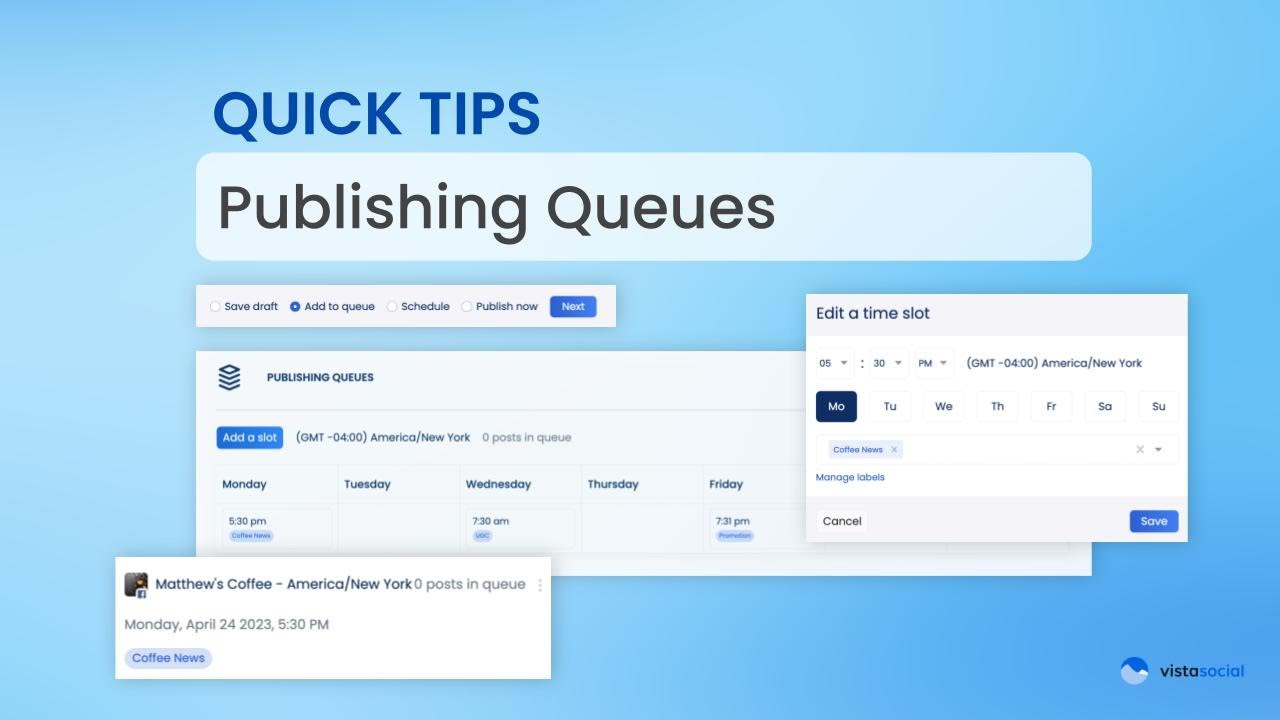
Want to spice up your Facebook image post and turn it into a carousel? Don’t worry. We’ve got you covered. Prerequisites for Facebook Carousel Posts So, a few things before we get started: Make sure that you add multiple images to your Facebook post so you can turn it into a carousel. Also, your post […]
Author Archives: Russ Tan
Creating and Saving Social Media Hashtags with Vista Social
Manually typing your hashtags for your social media posts could be tiring and a bit of a hassle. But with Visa Social’s saved hashtags feature, you can easily get access to frequently used hashtags or even discover better ones with the help of their hashtag suggestions tool. Here’s how to do it. Start by creating […]
Boost Your Engagement with Call to Action Buttons on Google My Business (GMB) Posts
Call to action buttons are your shortcuts to better user engagement. The best part is, it’s really easy to add them to your Google My Business post using Vista Social. Creating Your Google My Business Post Now, let’s start by creating a post. Make sure you have your Google My Business profile selected on the […]
Auto Posting to Instagram (Reels, Stories, Carousels)
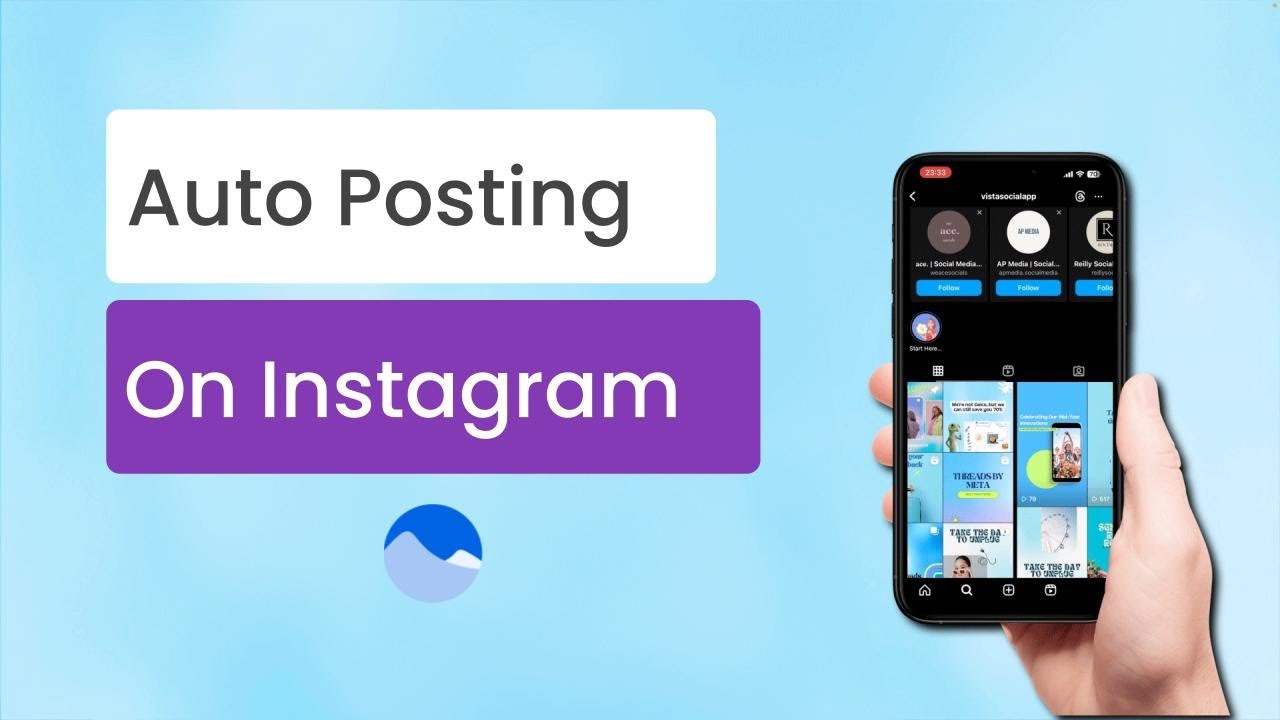
Hey social media managers. Today, we’re going to discuss how you can level up your Instagram game by automating your posts. This includes your reels, your stories, your carousels, all the different Instagram posts, all using Vista Social. Let’s jump in. Why Automate Your Instagram Posts Being a social media manager means that we’re juggling […]
Collaborating on Posts with Vista Social’s Shared Calendar
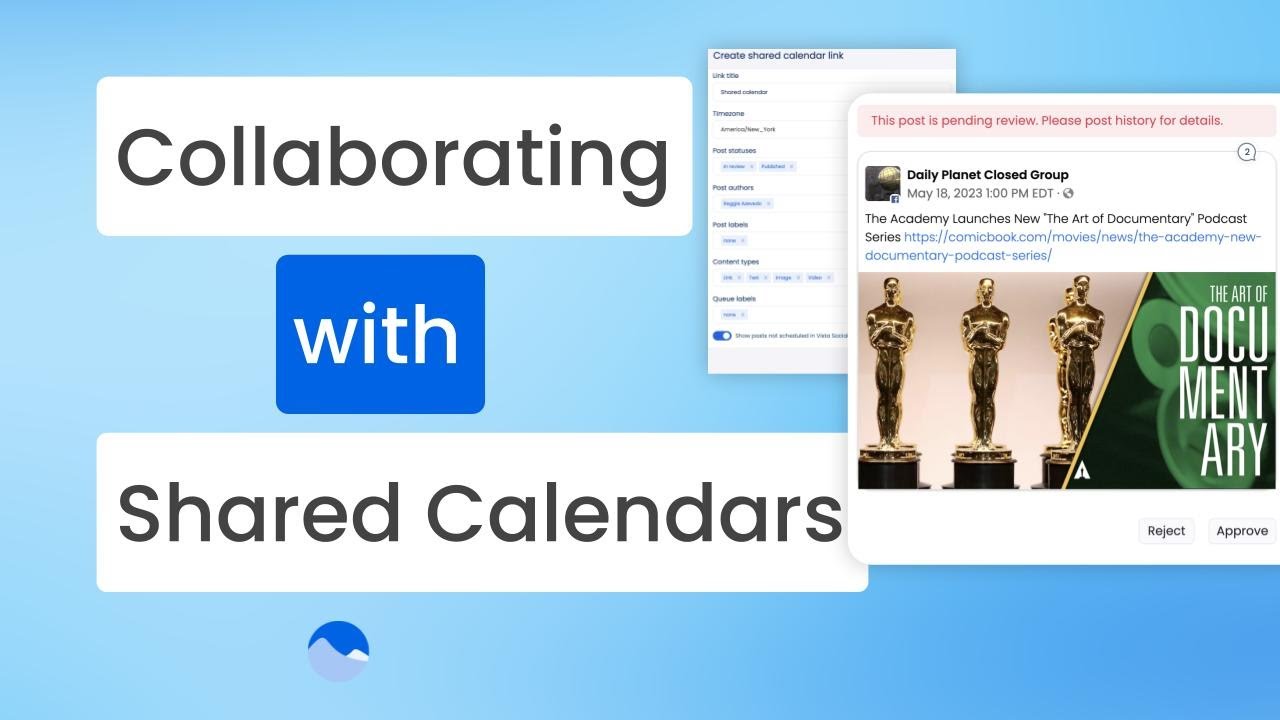
So, you want to have clients and collaborators review and approve posts. But teaching them another tool, giving them another set of usernames and passwords is just not cutting it. Well, with the social shared calendar, you can actually skip all the tech setup and get your posts in front of them super quickly. Setting […]
Scheduling Instagram Stories with Automatic Publishing – Vista Social
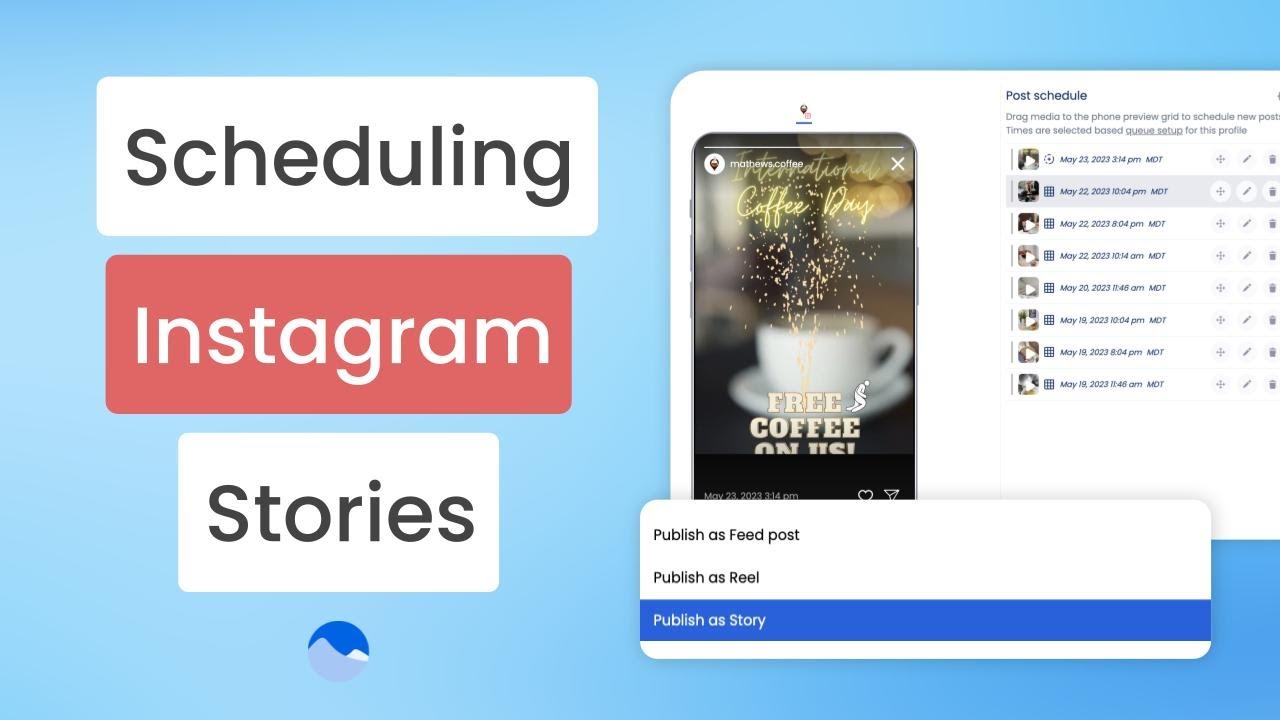
Alright, listen. We’ve all been there. You’re at dinner, you’re on vacation, you get a notification on your phone, and what is it? It’s a reminder to get your Instagram Story published. We’re all sick and tired of getting these notifications and having to publish it. Well, if this is Vista Social, you don’t need […]
Managing Profiles in your Vista Social Account
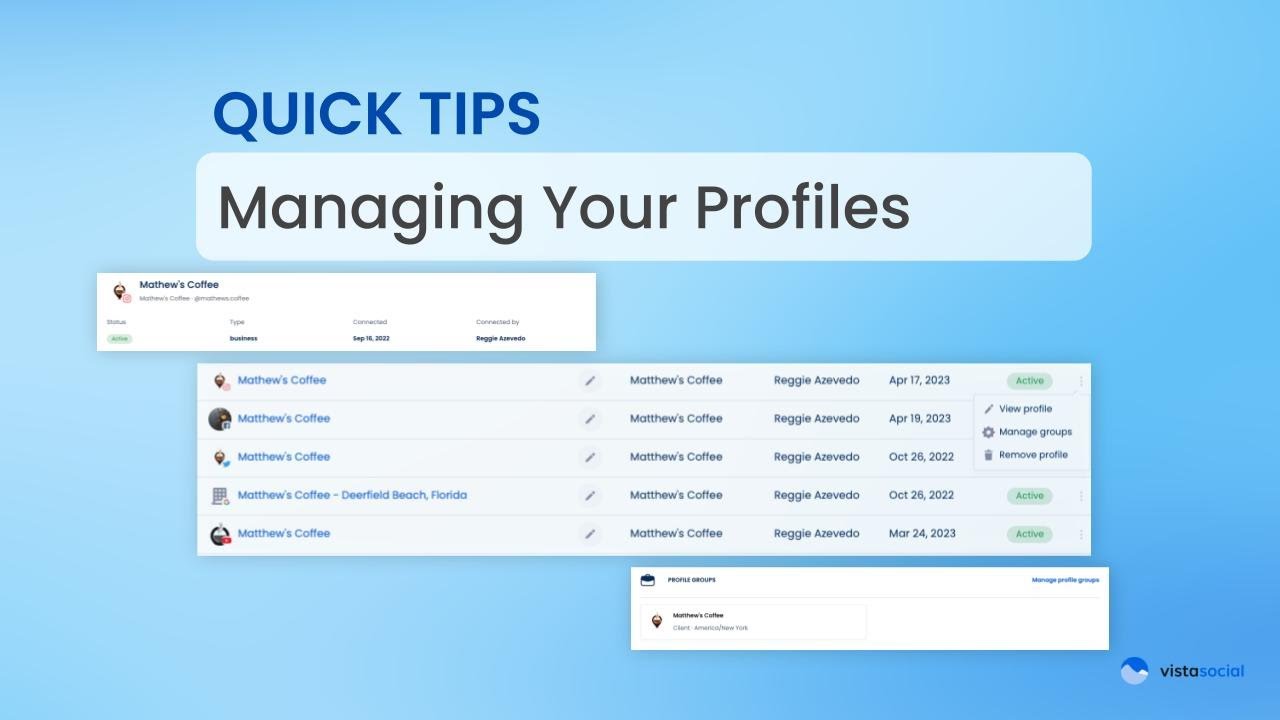
Reggie again with Vista Social customer success team. This video is going to be focused helping you to organize and manage the social profiles in your account. Let’s get started by heading over our settings and then we’ll click on connected profiles. This is going to give you a list of the social profiles that […]
Tagging Locations and Users on Social Posts with Vista Social
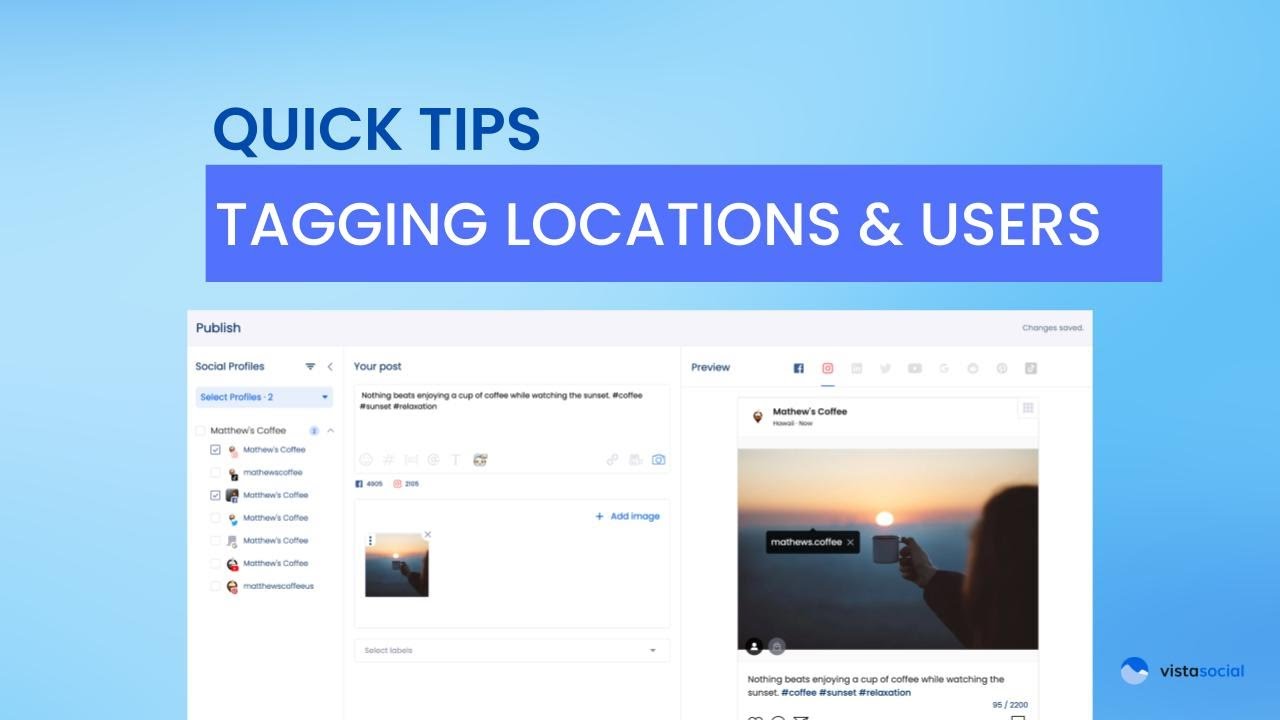
Hey, Reggie here with Vista Social’s product team. This video is going to help you do location tagging as well as tagging users on your posts. So, I have my composer open up here, my publisher. I’ve got a video attached. Now, what I want to do is maybe I want to tag my location […]
Crafting Your Social Posts with Vista Social’s AI Assistant
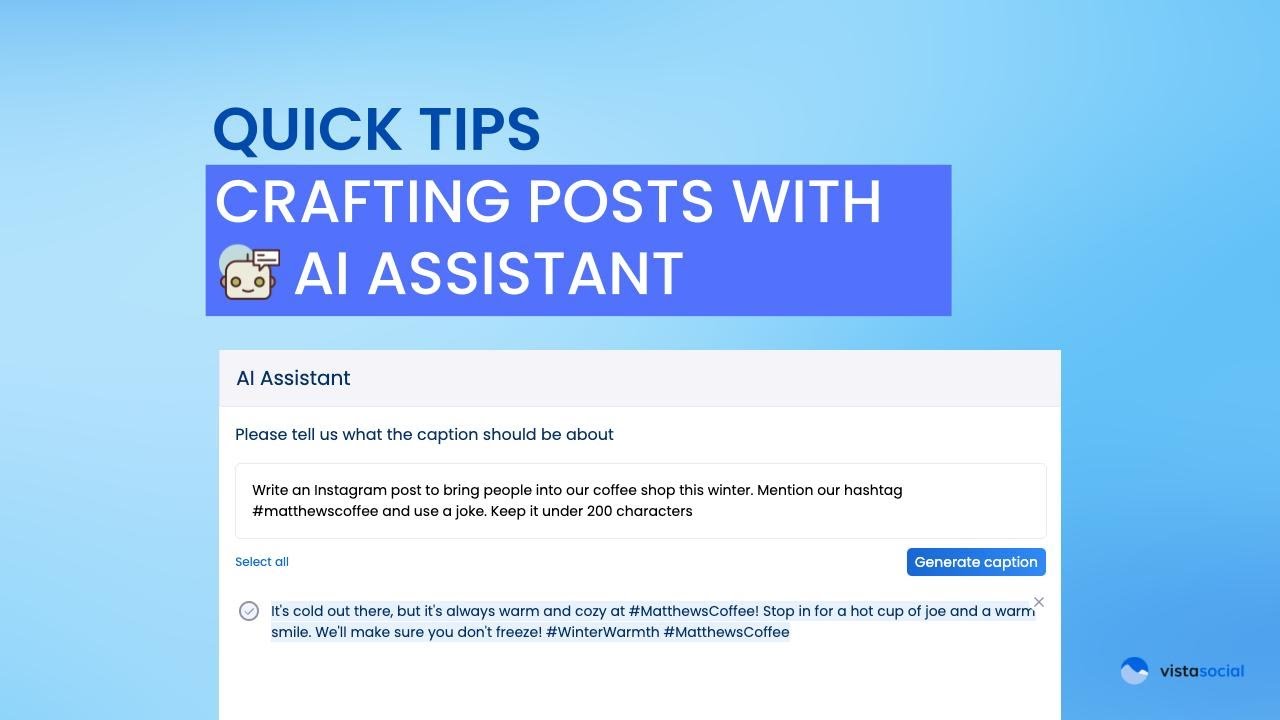
Hey, it’s Reggie with Vista Social’s product team. In this video, I want to show you how our new AI assistant can help you to be more efficient in your scheduling, help you spark some creativity in posts that you’re going to be creating for your social networks. Getting Started with the AI Assistant Right […]
Getting Started with Vista Social: Calendar Overview
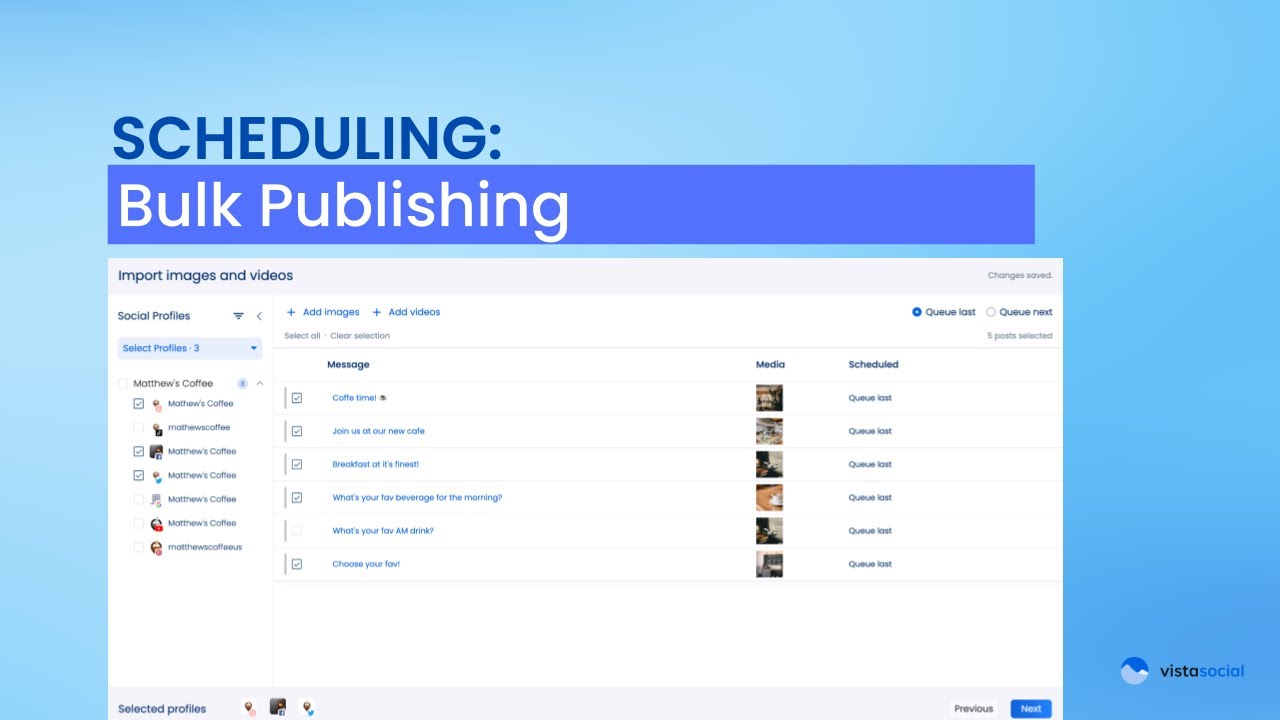
Welcome back social media enthusiasts. It’s V here again, and today I’m really excited to walk you through the heartbeat of strategic social planning and content organization. You guessed that right, it’s Vista Social’s calendar. Let’s check it out. Getting Started with Profile Selection So if you watched our previous “Getting Started” series on scheduling, […]